
Documentation
Your Bag
Reviewing items and promo codes before checkout.
Your Bag
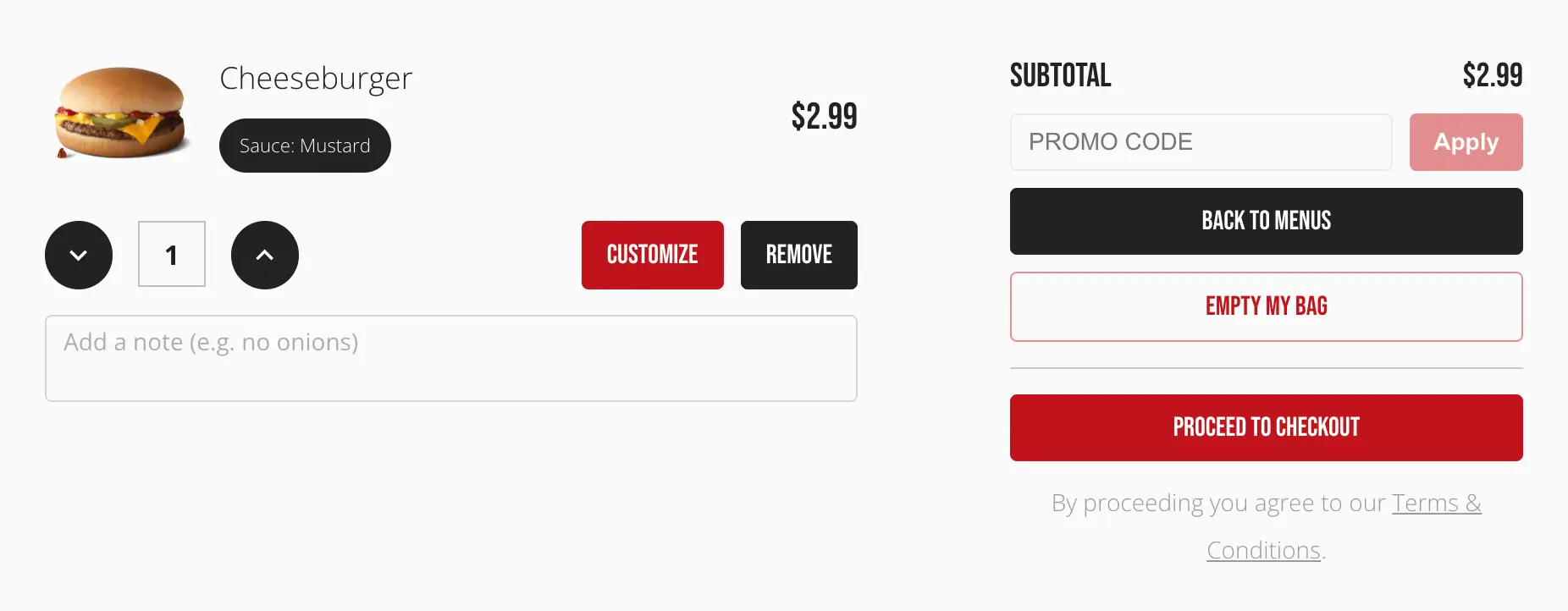
The /my-bag page lists every item the customer has added, with its quantity, chosen varieties, and price, plus the running subtotal.
Changing an item
A Customize link on any item reopens the Item Customizer, pre-filled with its current choices, so the customer can adjust varieties or ingredients without removing and re-adding it.
Promo codes
If your account has promo codes enabled, a field here lets the customer enter one. A valid code shows its discount applied to the subtotal immediately; an invalid or expired one shows an error without blocking checkout.
Actions
- Back to Menus returns to browsing without losing the bag
- Empty my Bag clears it, after a confirmation
- Proceed to Checkout opens the checkout dialog (see Checkout)
Empty bag
With nothing in the bag, the page shows a short message directing the customer back to the menus.