
Documentation
Web
How customers browse your menu and order on the GrubStack Web storefront.
GrubStack Web
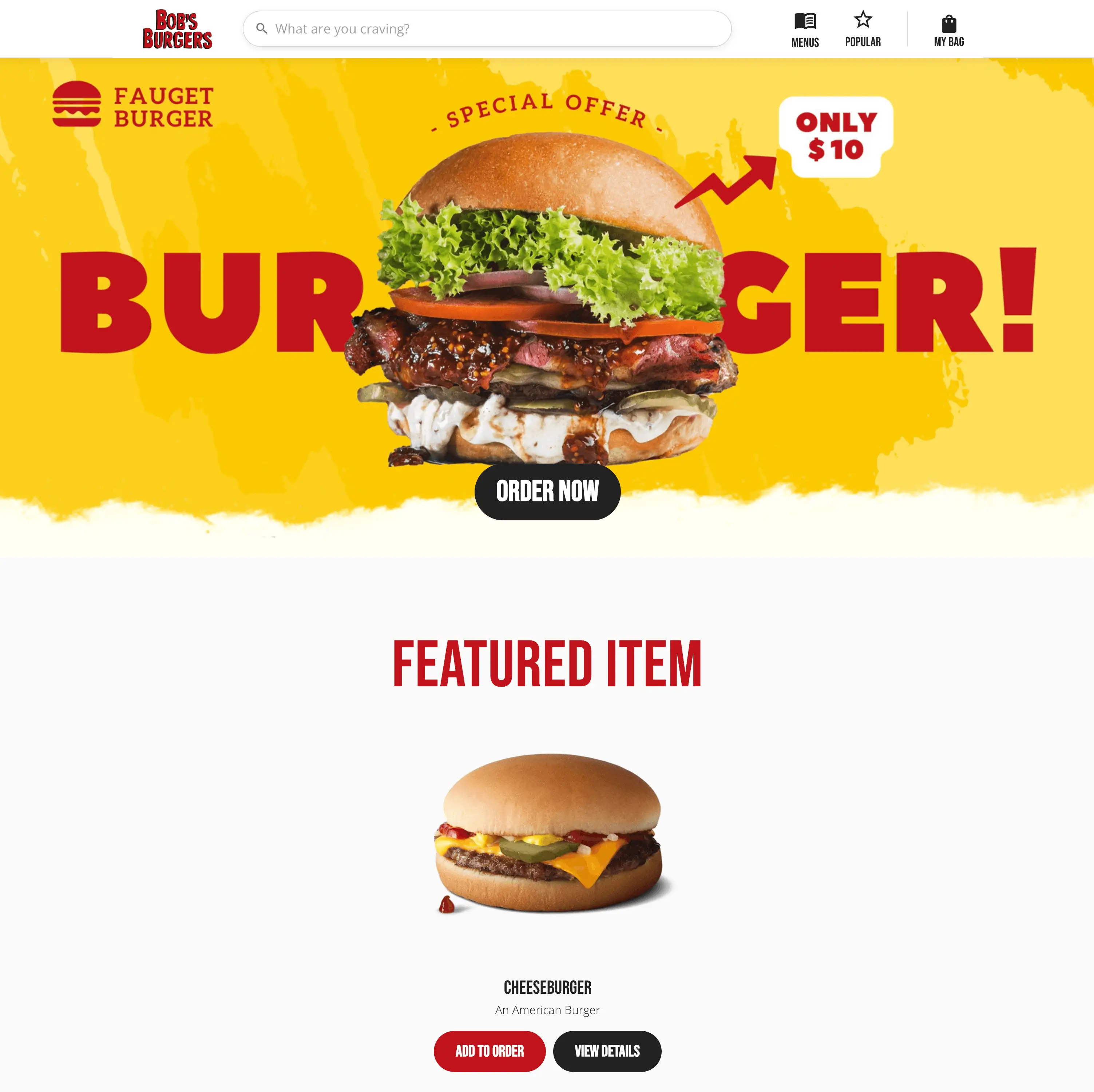
GrubStack Web is your branded online storefront — where customers browse your menu and place Pick-Up orders from their phone or computer. It's deployed just for your business, on your own domain, using the colors, logo, and content you set up in your dashboard.
What's in this section
- When a Location Isn't Ready → the placeholder screens customers see before a location is fully set up
- Home Page → the hero banner, featured item, and introduction customers land on first
- Browsing the Menu → the Menus, Menu Items, and Item Details pages
- Placing an Order → the full order process, from the bag through checkout to confirmation
- Order History → how a customer looks up and reorders a past order
- Find Us → hours, address, and directions
- Footer & Policies → Terms, Privacy, Refund Policy, and Dietary Guidelines
Everything here reflects Pick-Up ordering — the only order type GrubStack Web offers today. See the Dashboard's Order Types page for more on this.