
Documentation
Menus
Assign which menus from your catalog are available at this location.
Menus
Assign which menus from your catalog are available at this location.
Assigning a menu
Click Add to open the menu picker and choose from any menu already built in your Products → Menus catalog. Adding a menu here makes it available for ordering at this specific location.
Managing assigned menus
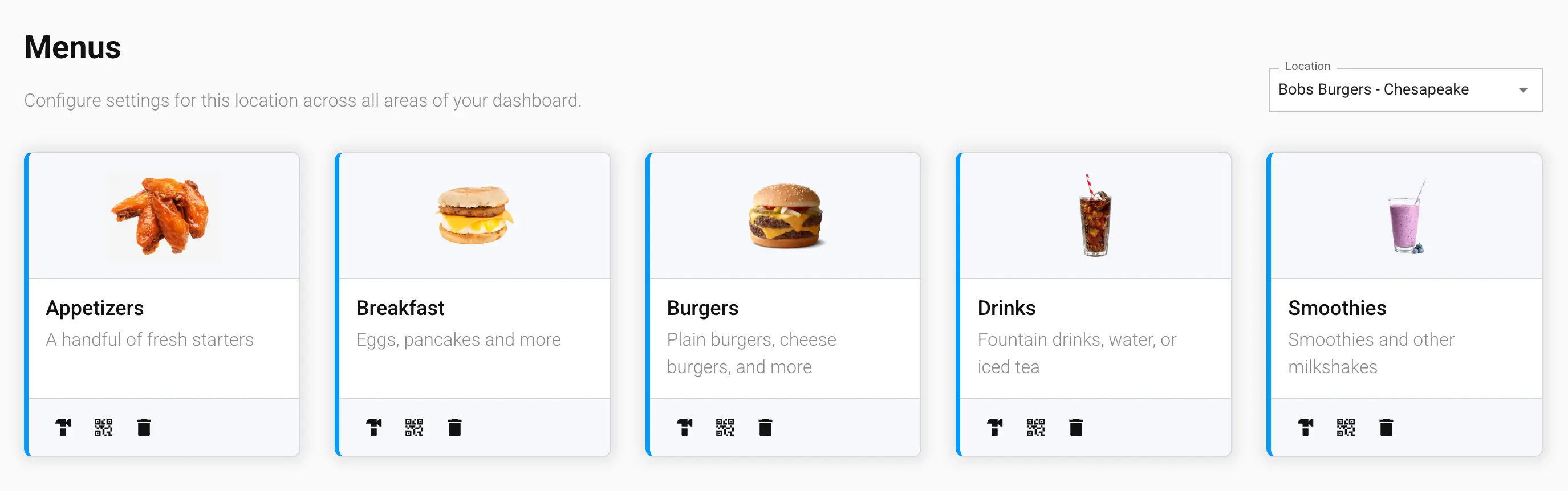
Each assigned menu appears as a card, with quick actions to:
- Build — jump straight to the Builder Tool for that menu
- View — jump to the menu's entry in Products → Menus
- Generate QR Code — create a scannable QR code linking straight to this menu, or to a specific item on it; requires the Unlimited QR Codes addon
- Delete — remove the menu from this location (this doesn't delete the menu itself, only unassigns it here)
If a location has no menus assigned yet, you'll see a prompt to add one before it can take orders.