Documentation
Ordering App
An introduction to the GrubStack Web customer ordering app.
GrubStack Web
GrubStack Web is the storefront your customers use to browse your menu and place an order — on their phone, at a table, or from a shared link.
How customers order
- Scan a QR code placed on a table, at the counter, or on packaging
- Browse your menu, customize items with modifiers and variety options, and add notes
- Choose an order type (Pickup or Dine-In, depending on what you've enabled)
- Pay securely with a card through Square or Stripe
- Track their order status and receive an email confirmation and receipt
Your storefront
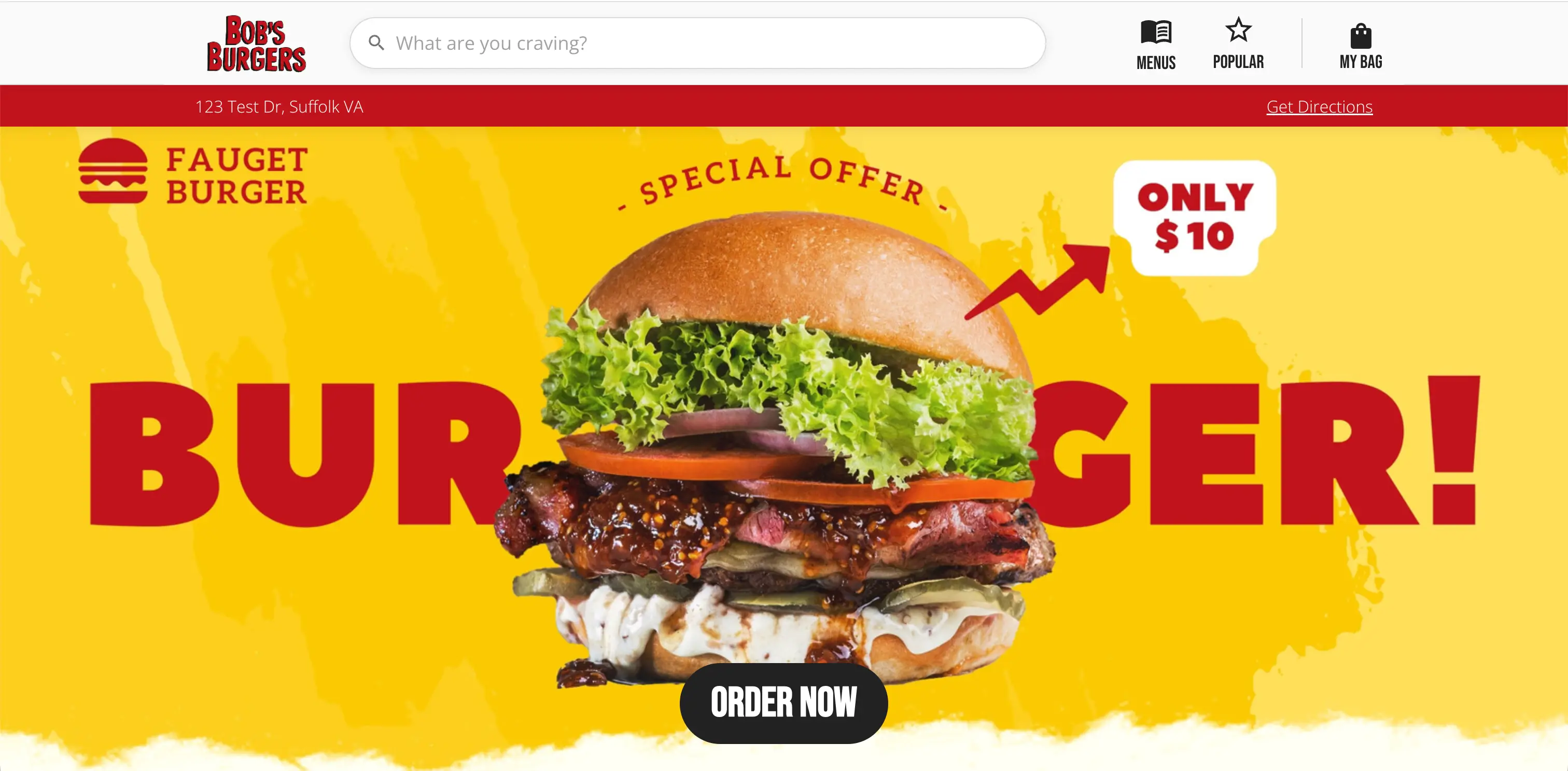
Each GrubStack subscription gets its own dedicated storefront — it isn't a shared marketplace, so your branding, colors, and logo are what customers see. Configure all of this from the Restaurant and Branding sections of your dashboard.
No customer account or app download is required — GrubStack Web supports guest checkout by default.
Mobile
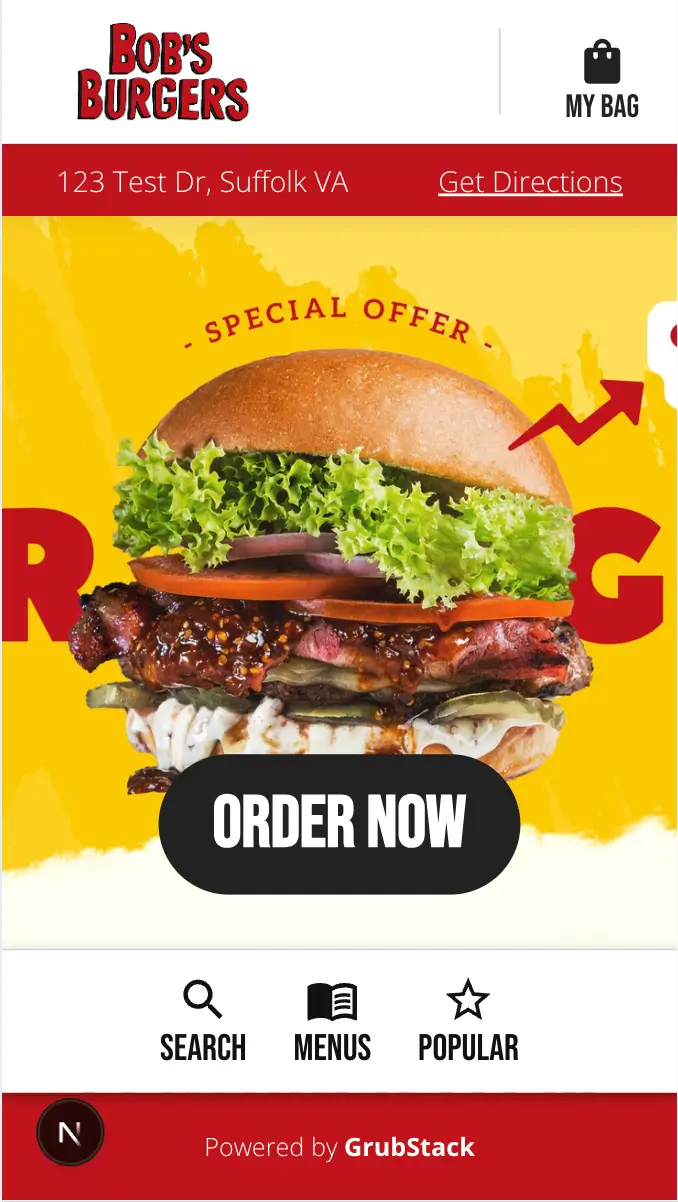
GrubStack Web is built mobile-first — most customers will be ordering from their phone, whether they scanned a QR code at a table or opened a shared link. The storefront is fully responsive out of the box, with no extra configuration required.