
Documentation
When a Location Isn't Ready
What customers see before a location is fully set up, and how they pick one.
When a Location Isn't Ready
GrubStack Web always shows customers something reasonable, even before a location is fully configured, rather than a broken or blank page.
No active locations yet
If your account has no active locations at all, every visitor sees a simple unavailable message instead of a storefront.
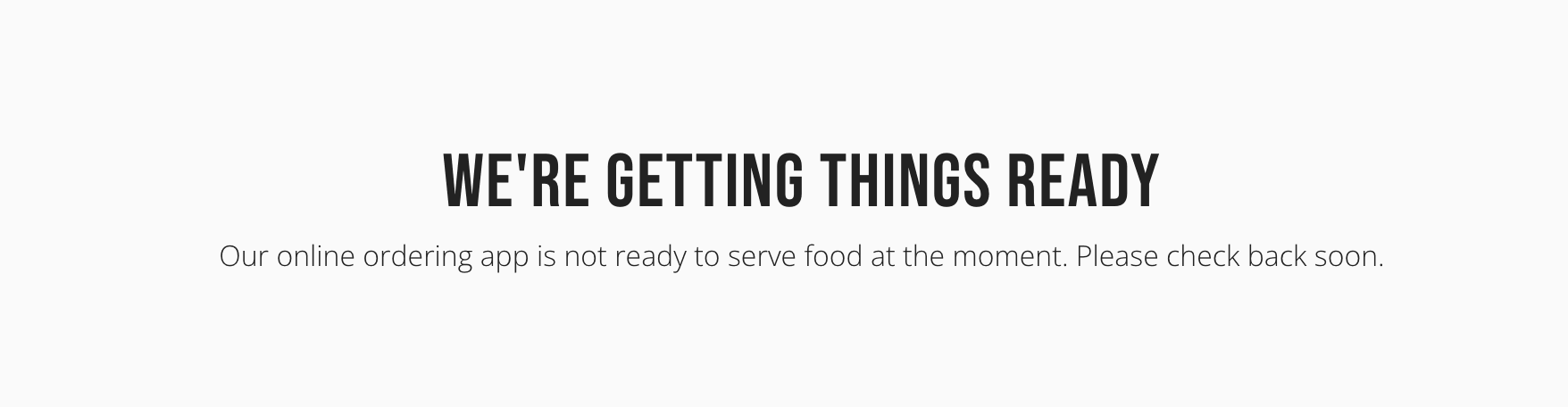
A location that isn't ready to take orders
Even an active location shows the same message if it's missing something it needs before it can take orders:
- No payment processor connected (see Payment Setup)
- No order type enabled (see Order Types)
- No menus assigned to it yet (see Restaurant → Menus)
Choosing a location
If your account has more than one active location and a customer arrives without one specified in the link they followed, they're shown a Choose a Location screen instead of a storefront.
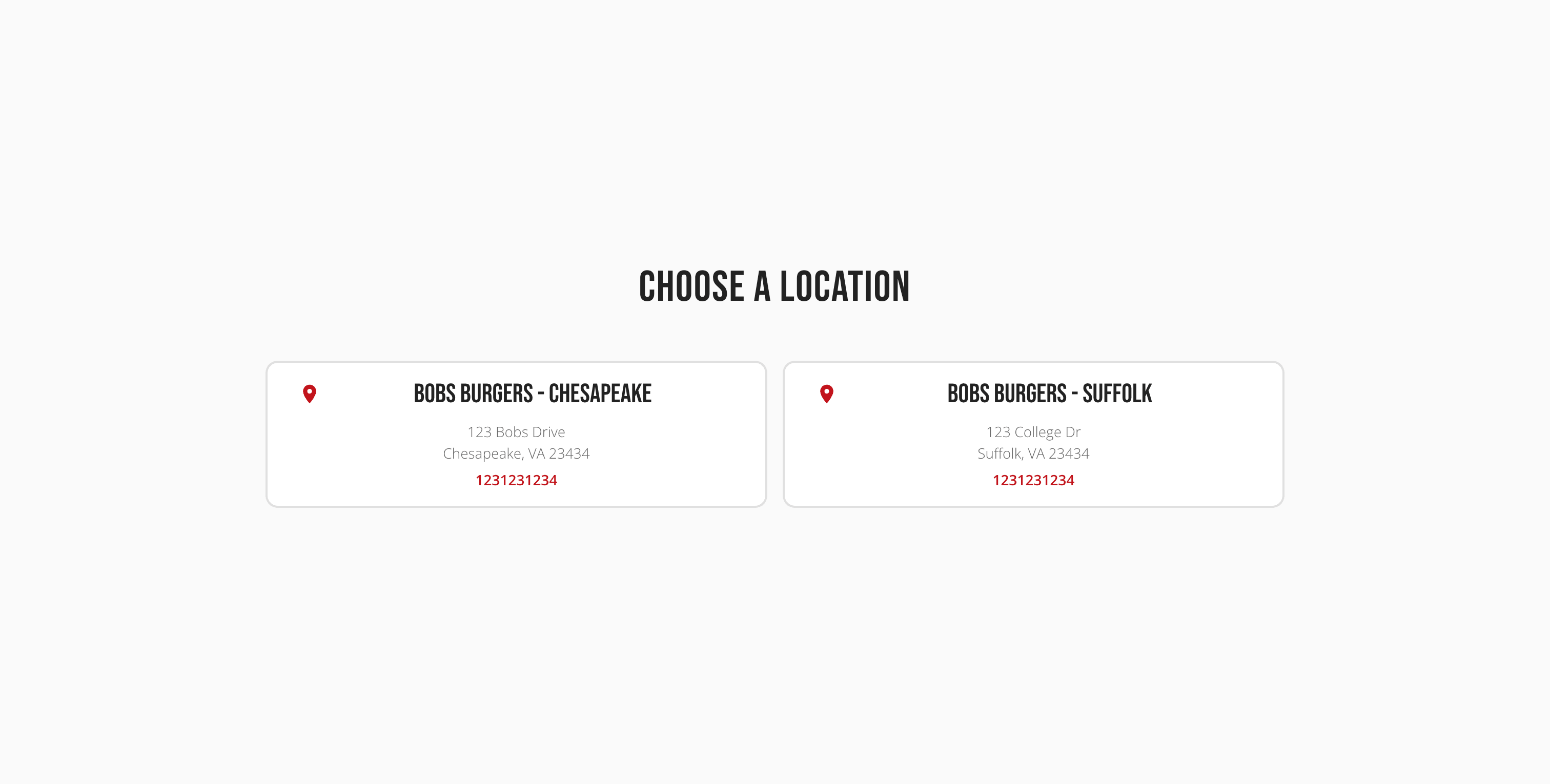
With exactly one active location, customers go straight to its storefront — this screen only appears with two or more.
Switching locations
If your account has more than one active location, customers can switch away from whichever location's storefront they're currently on using the location name in the header. Switching carries over the current page — a customer on Find Us at one location lands on Find Us at the new one, not back at its home page.