
Documentation
Awaiting Payment
Cash orders held until the customer pays.
Awaiting Payment
This column only appears when payment handling is turned on for the location — see Payments & Refunds. It holds cash orders until the customer pays, so nothing here has reached the kitchen yet.
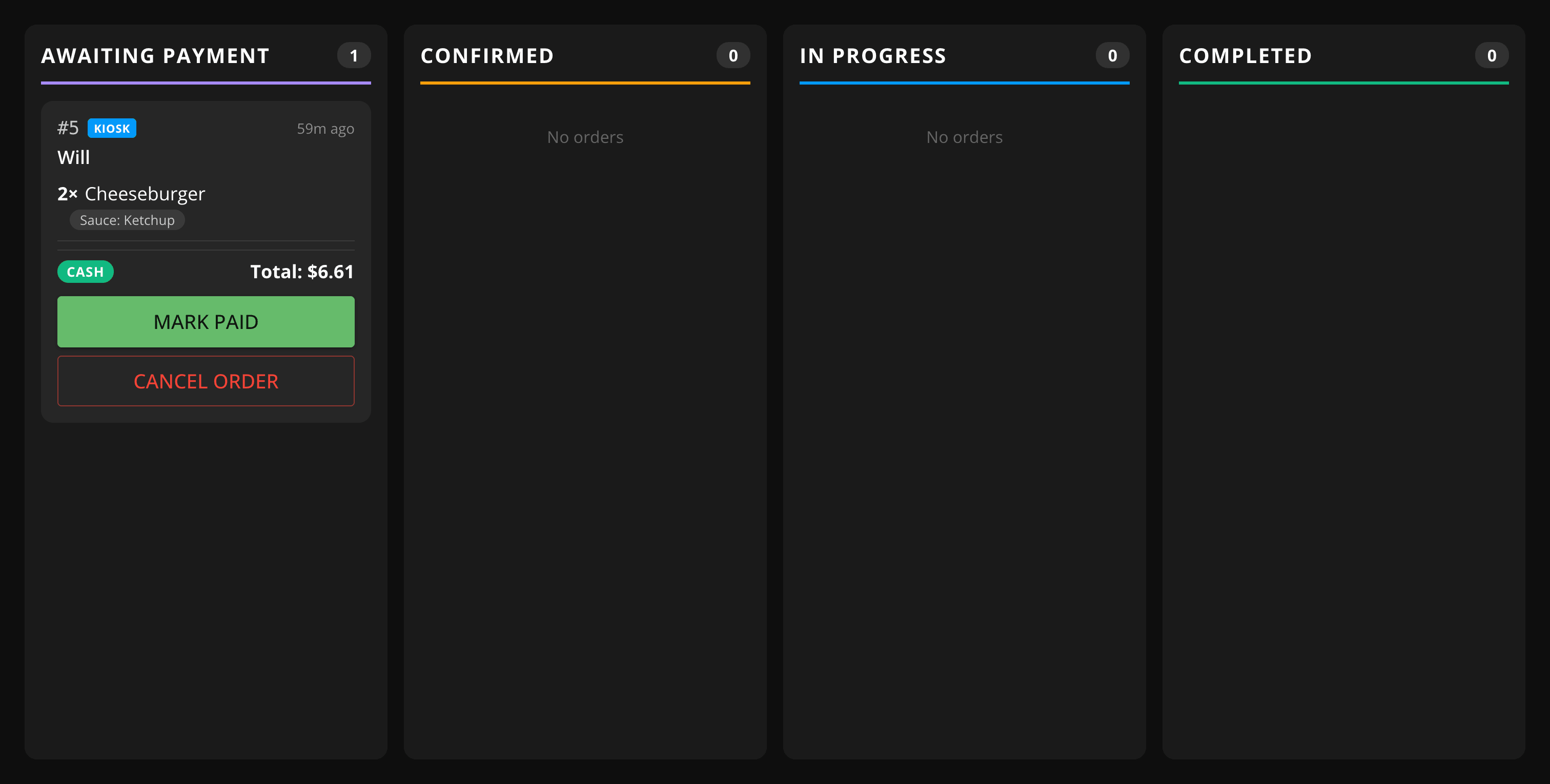
Marking an order as paid
When the customer pays, find their order and tap Mark Paid. The order moves into Confirmed and the kitchen can start preparing it.
Cancelling an order
Tap Cancel Order if the customer doesn't show up or changes their mind. There's no payment to refund since nothing has been charged yet.
Cash orders that aren't paid within 60 minutes are cancelled automatically, whether or not this display handles payments.