
Documentation
Order History
How a customer looks up and reorders a past order.
Order History
Customers can look up their own past orders without an account, by verifying the email address they ordered with.
Verifying
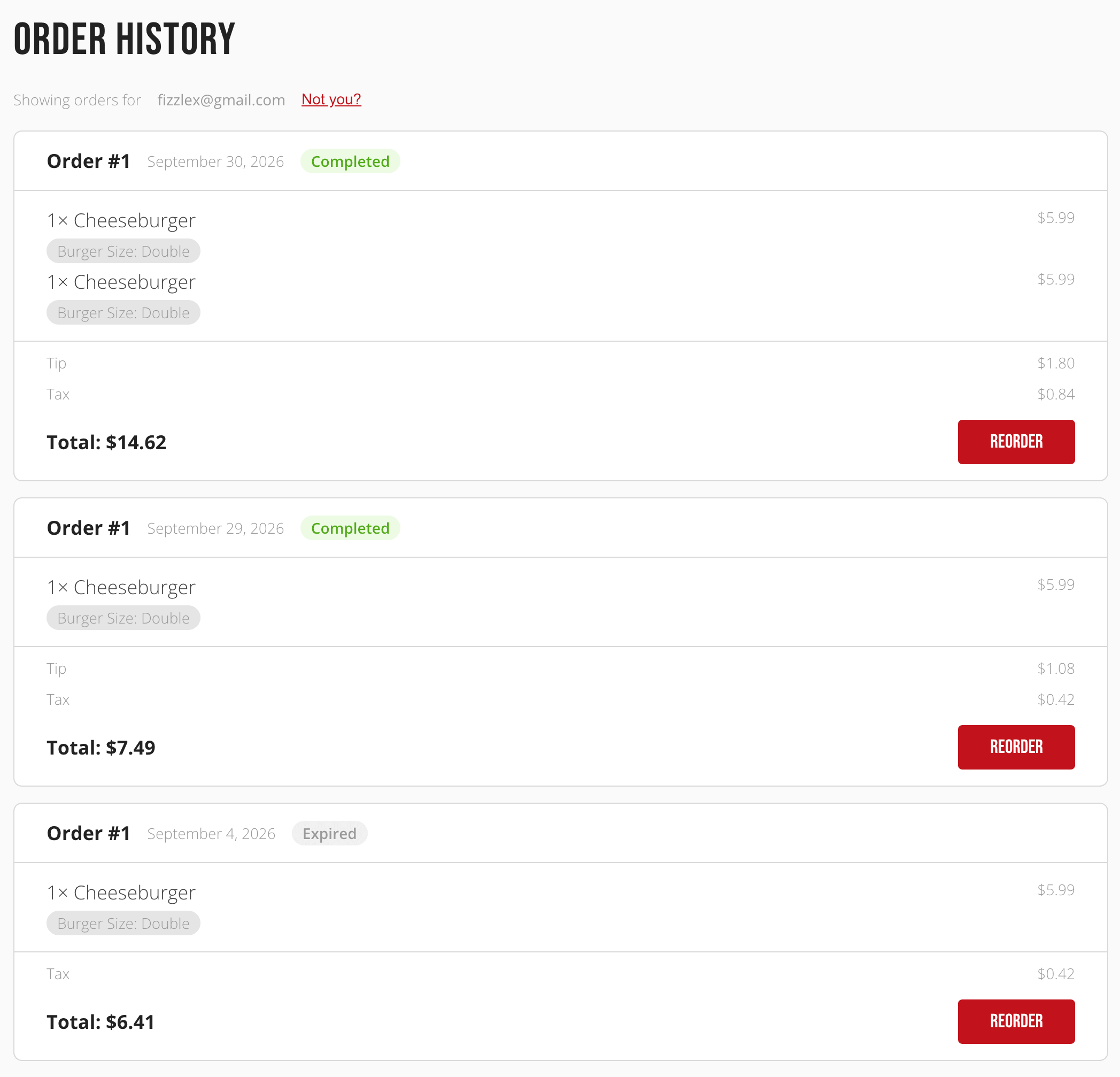
A customer enters their email and receives a 6-digit code, valid for 10 minutes. Once verified, that lookup stays active in their browser for 30 minutes, so they don't have to re-verify on every visit during that window. A Not you? link clears the session and starts over.
Reviewing and reordering
Each past order shows its number, date, status, items with any chosen varieties, and totals. A Reorder button adds the same items back to the customer's bag and takes them straight to Your Bag to check out again.