
Documentation
Varieties
Create customizable options and add-ons for items.
Varieties
Varieties are the customizable option groups customers choose from when ordering an item — like size, flavor, or add-ons.
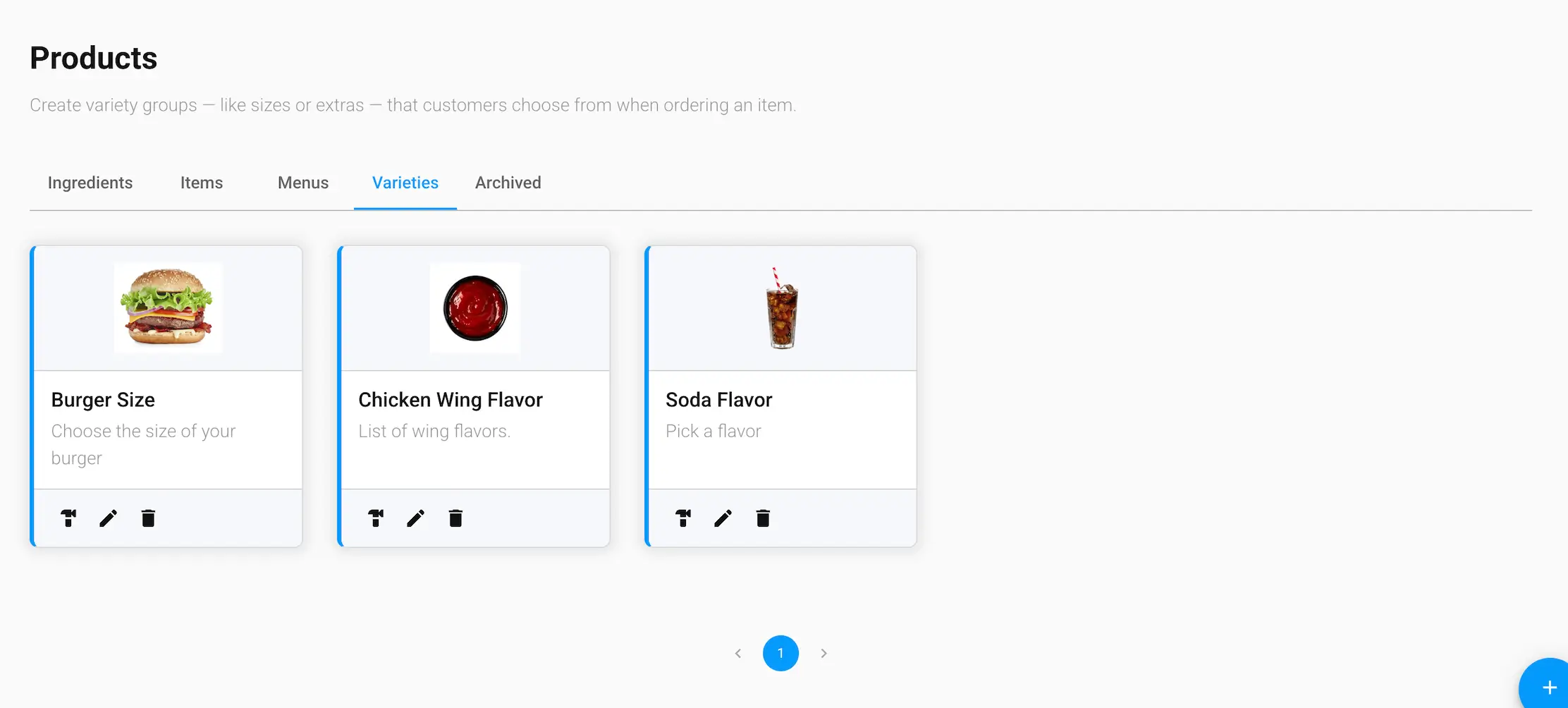
Variety details
- Variety Name and Description
- Thumbnail — the image shown for this variety group
- Required — whether customers must choose an option from this group before adding the item to their bag
- Max Selections — the most options a customer can pick from this group at once
Managing varieties
Each variety card has three actions:
- Build — jump to the Builder Tool to add or remove the individual options in this variety group
- Edit — update the variety's name, description, thumbnail, required setting, or max selections
- Delete — archive the variety (see the Archived tab to restore it)