
Documentation
Menu Items
Browsing the items on a single menu.
Menu Items
Clicking a menu opens its item list — the menu's name and description at the top, a dietary filter bar, and a card for each item showing its image, price, and an Add to Order button.
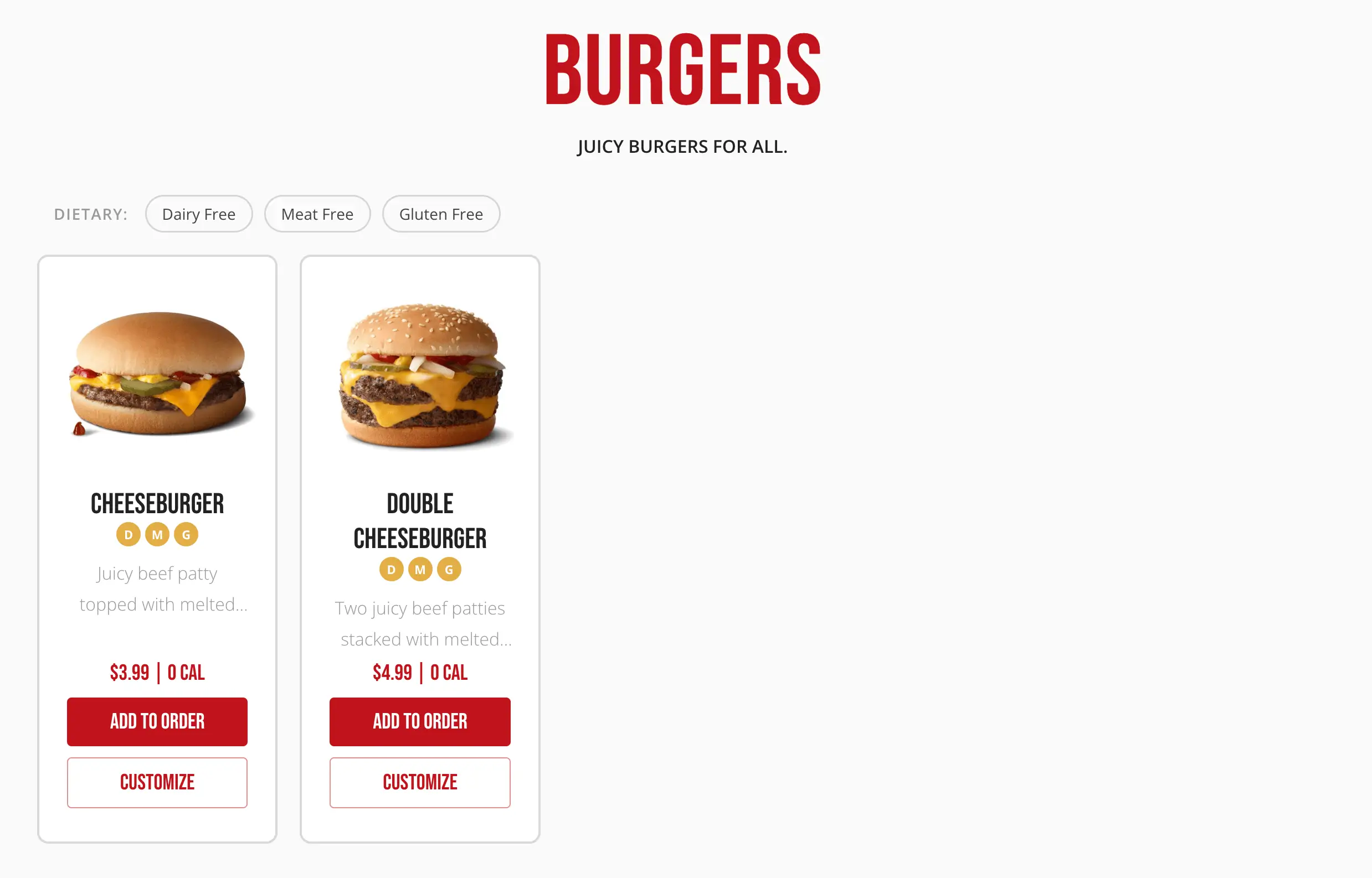
Dietary filters
The filter bar only shows the dietary types actually present on this menu's items (for example, Vegetarian or Gluten-Free). Selecting one or more filters narrows the list to matching items; selecting none shows everything. Filters are reflected in the page's URL, so a filtered link can be shared or bookmarked.
Empty states
- Filtering down to zero matching items shows a message suggesting the customer remove a filter.
- A menu with no items at all shows a message that the menu has no items available right now.
- Visiting a menu that doesn't exist for this location shows a This menu does not exist message with a link back to Our Menus.