
Documentation
Ingredients
Manage the ingredients used across your menu items.
Ingredients
Ingredients are the building blocks of your menu items — the individual components customers can add, remove, or swap at checkout.
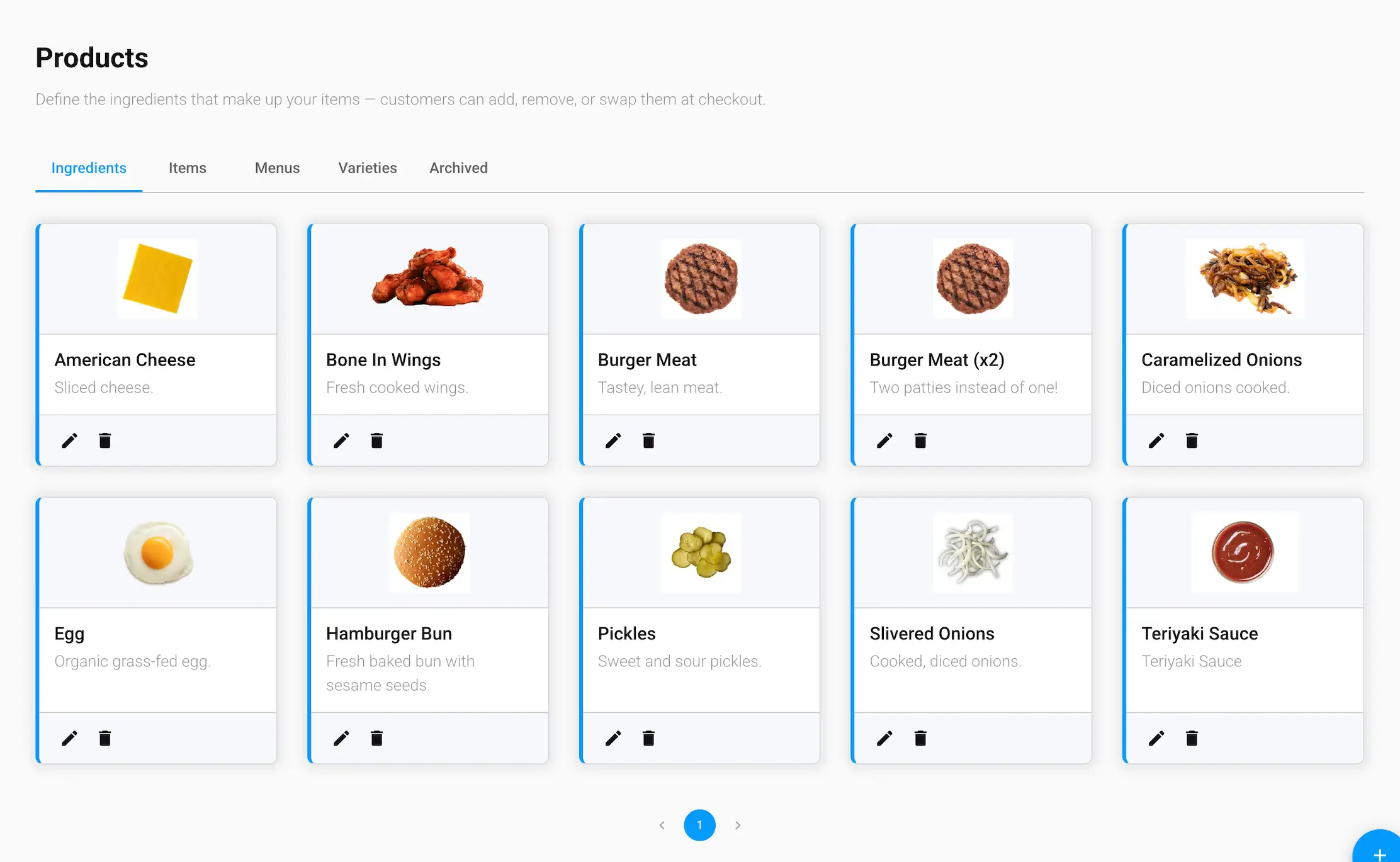
Ingredient details
- Name and Description
- Thumbnail — an image representing the ingredient
- Ingredient Type — an optional category for the ingredient
- Price — added to an item's total when this ingredient is included as an add-on
- Nutrition facts — Calories, Fat, Saturated Fat, Trans Fat, Cholesterol, Carbs, Sodium, Protein, Sugar, and Fiber
Managing ingredients
Edit or delete an ingredient directly from its card. Deleting an ingredient archives it instead of removing it permanently — see the Archived tab.