
Documentation
Items
Create and manage menu items, pricing, and availability.
Items
Items are the individual dishes and drinks that appear across your menus.
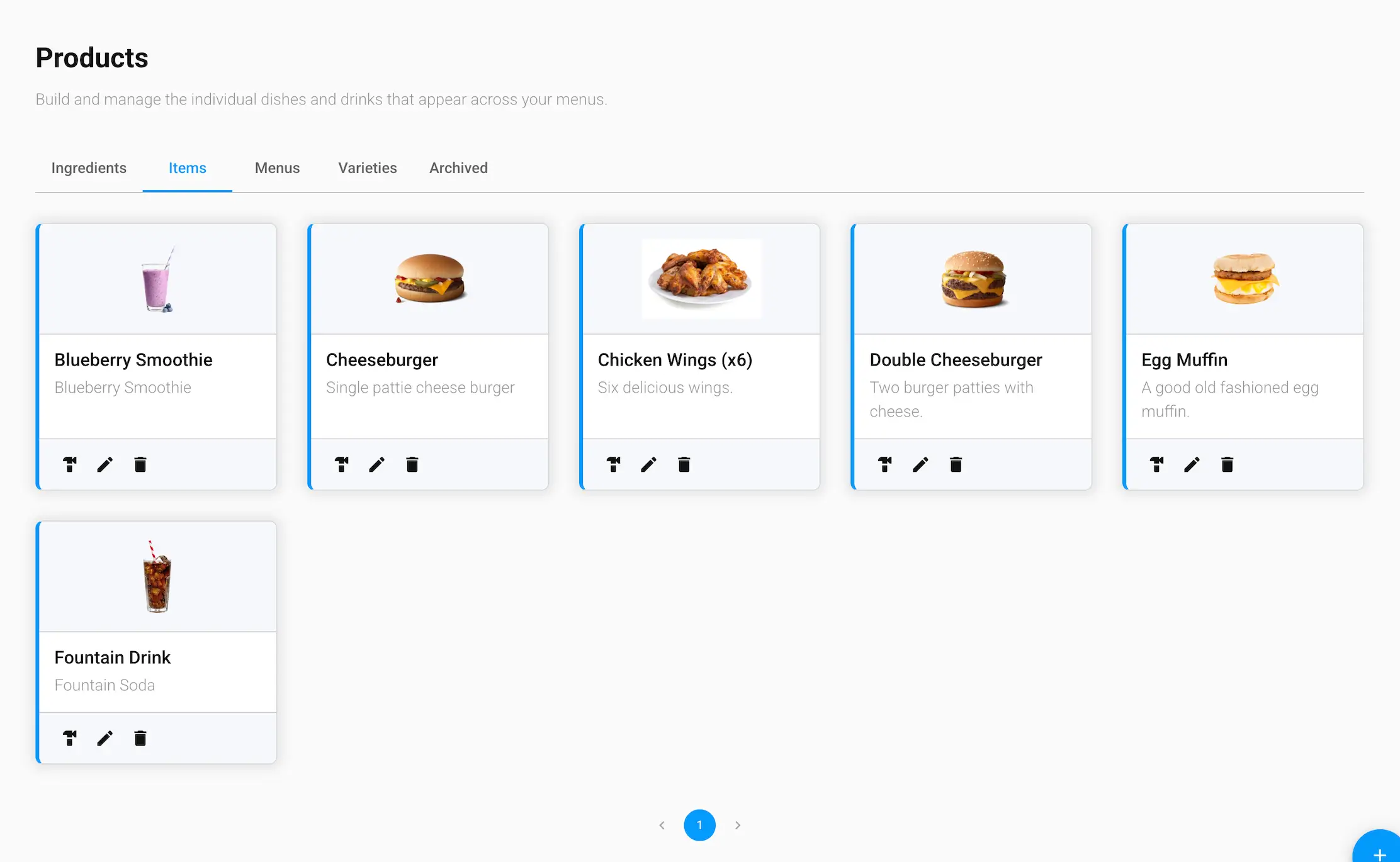
Item details
- Item Name and Description
- Thumbnail — the image shown for this item
- Slug — the URL-friendly identifier for this item
- Varieties — the variety groups (like size or flavor) customers can choose from for this item
Managing items
Each item card has three actions:
- Build — jump to the Builder Tool to configure this item's ingredients and pricing
- Edit — update the item's name, description, thumbnail, slug, or varieties
- Delete — archive the item (see the Archived tab to restore it)