
Documentation
Branding
Customize your storefront's colors, logo, and images.
Branding
Branding controls how your storefront looks — your restaurant name, logo, colors, and footer content. Changes here take effect on your GrubStack Web storefront as soon as you save.
Restaurant Name
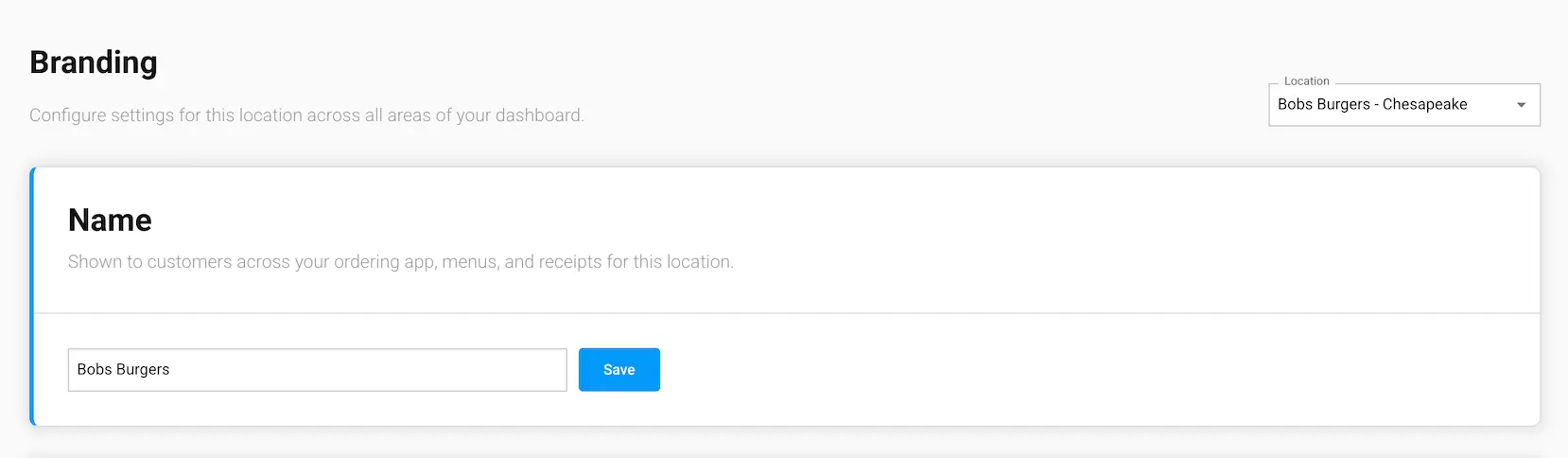
Shown to customers across your ordering app, menus, and receipts for this location.
Logo
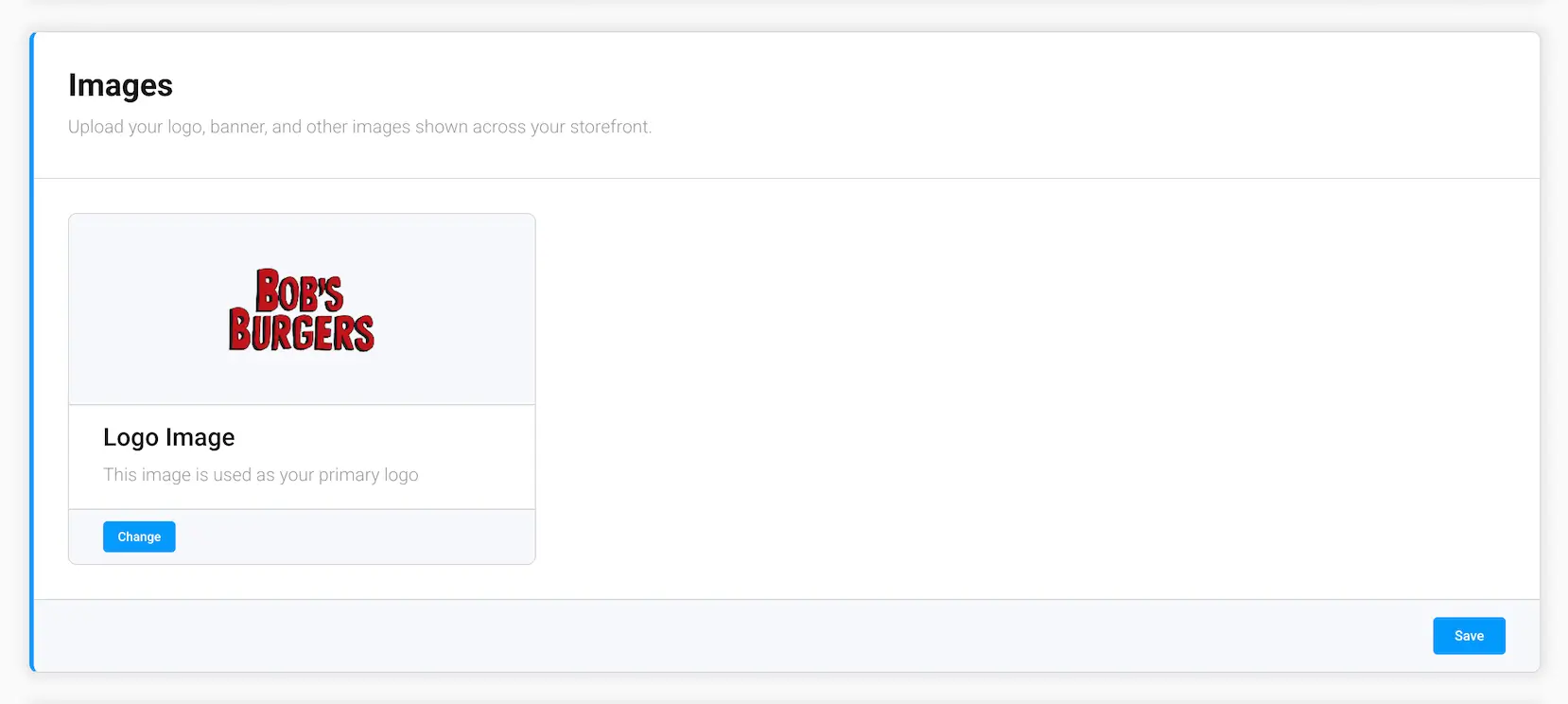
Your primary logo image, selected from your Media Library. Upload a new image first if you don't already have one — see the Media Library section for how.
Custom Favicon
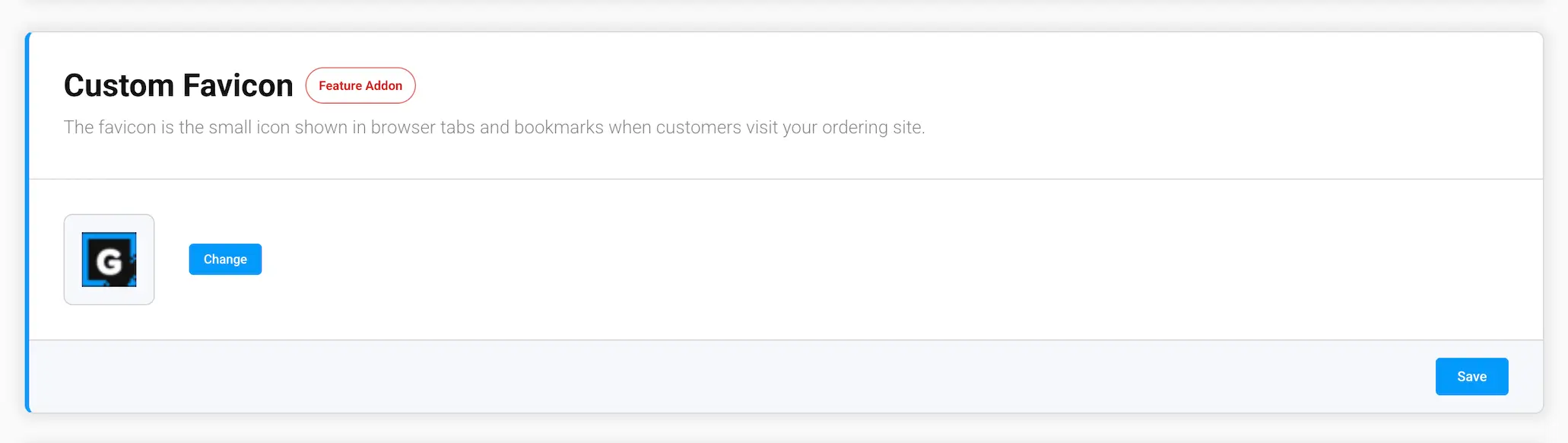
The favicon is the small icon shown in browser tabs and bookmarks when customers visit your ordering site. Replace the default GrubStack favicon with your own logo — this requires the Custom Favicon addon; see the Addons page for pricing.
Colors
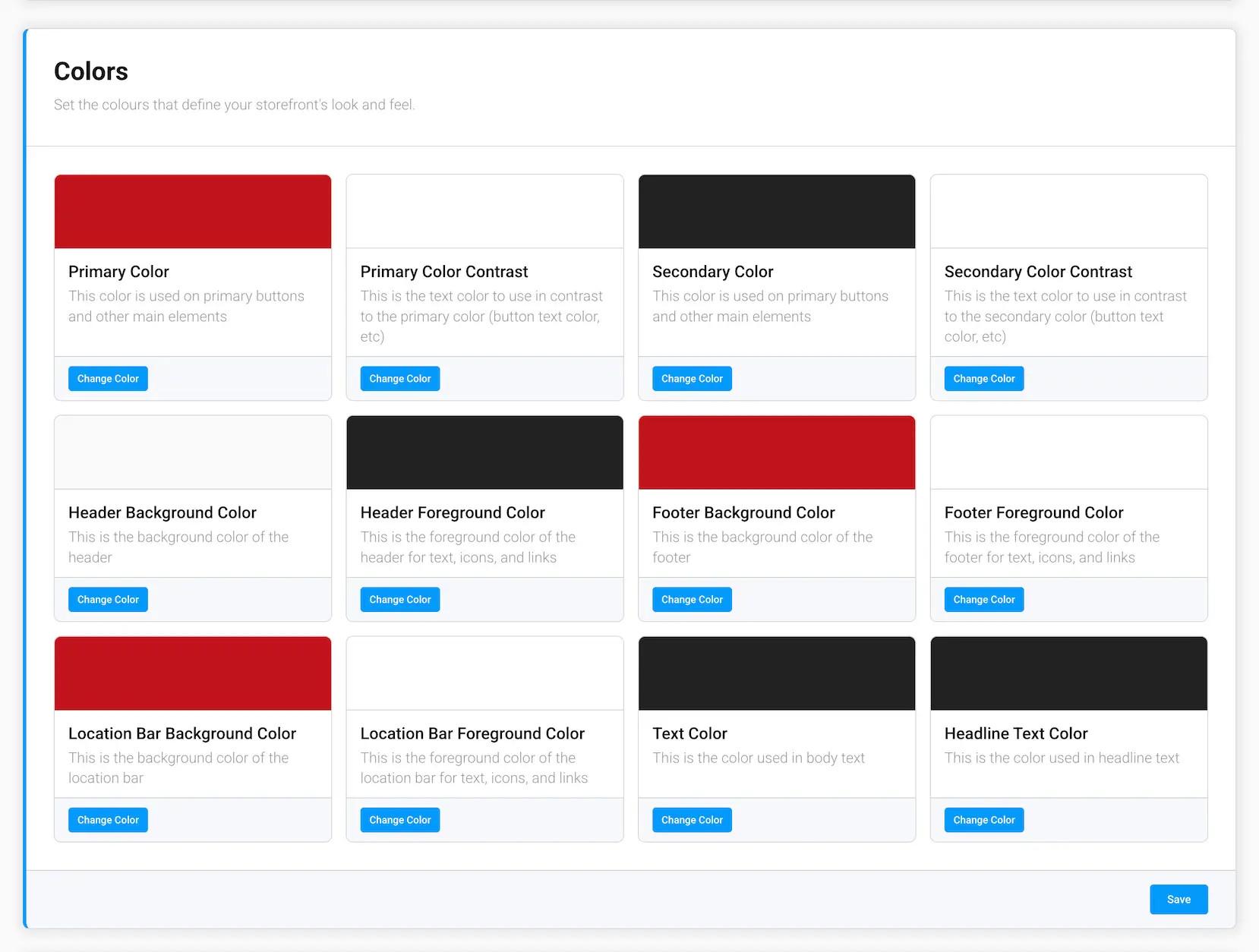
Fine-tune the exact colors used across your storefront:
- Primary Color / Primary Color Contrast — used on primary buttons and other main elements, and the contrasting text color for them
- Secondary Color / Secondary Color Contrast — used on secondary buttons and other elements
- Header Background / Header Foreground — your storefront's header background and its text/icon color
- Footer Background / Footer Foreground — your storefront's footer background and its text/icon color
- Location Bar Background / Location Bar Foreground — the bar showing your current location, and its text/icon color
- Text Color — the color used for body text
- Headline Text Color — the color used for headline text
Footer
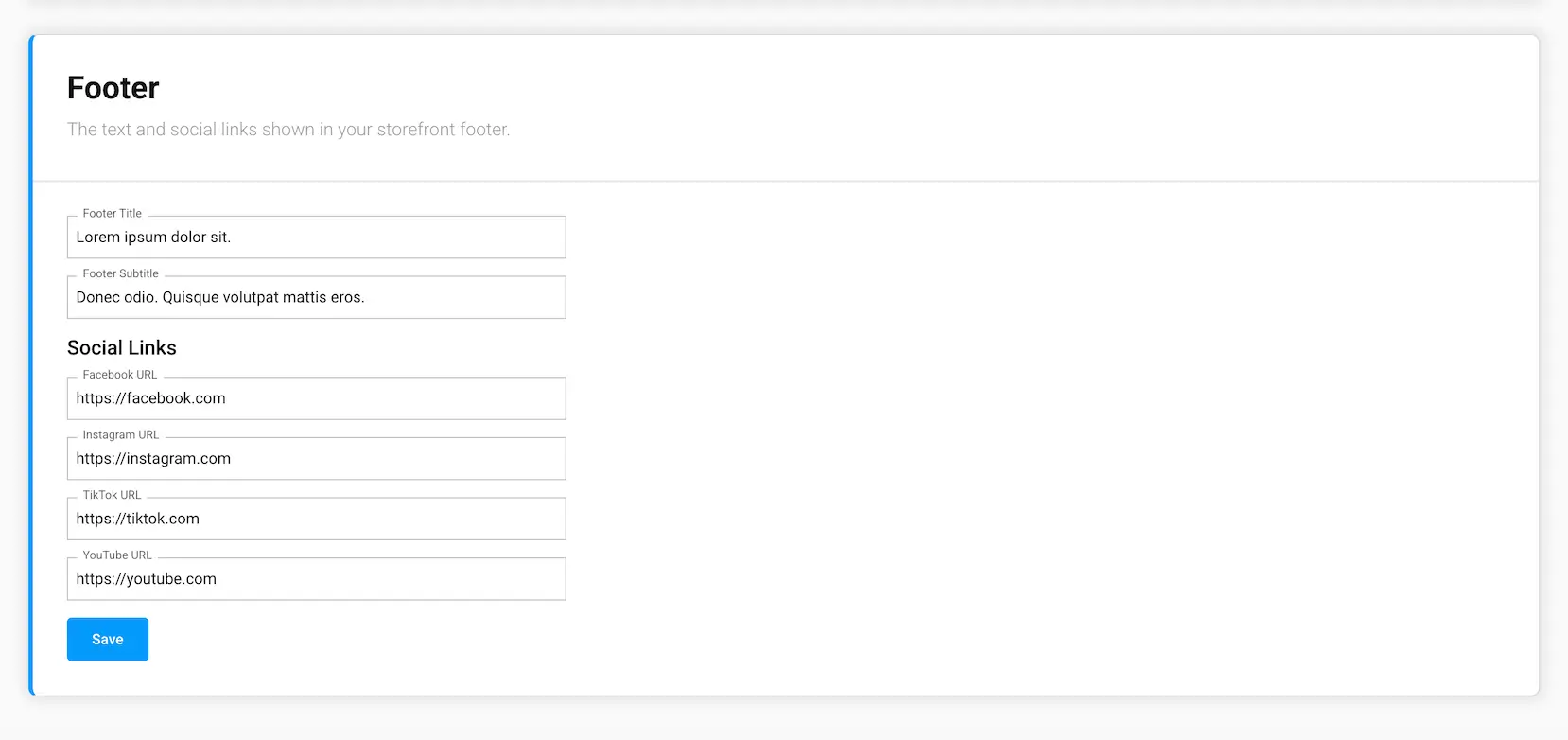
- Footer Title and Footer Subtitle — short text shown in your storefront's footer
- Facebook, Instagram, TikTok, and YouTube URLs — links to your social profiles, shown as icons in the footer