
Documentation
Uploading files
How to upload new images to your media library.
Uploading files
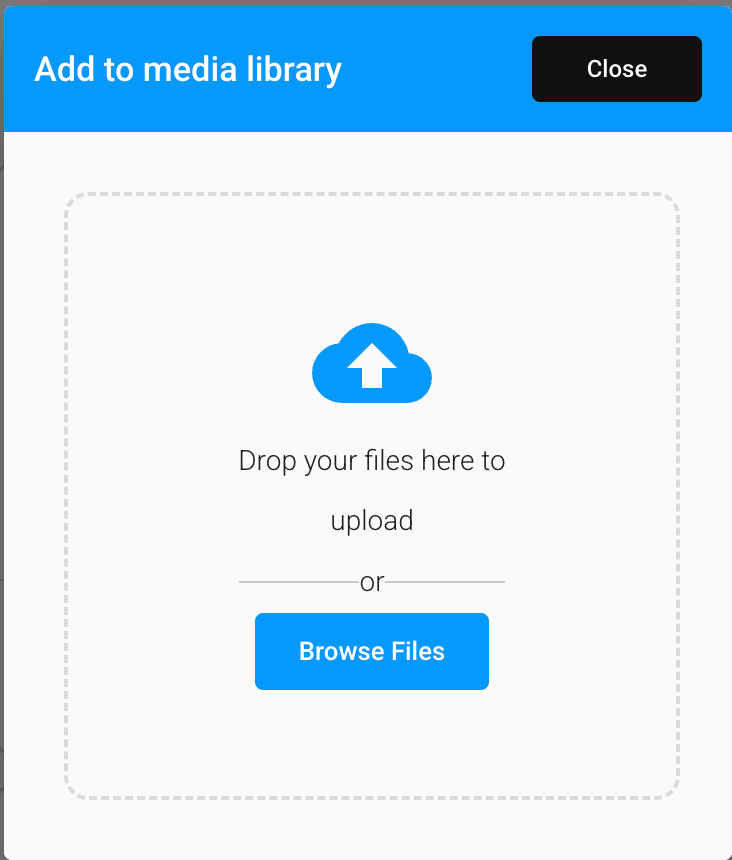
Add new images to your Media Library from the upload dialog.
How to upload
- Open the upload dialog from the + button on the Media Library screen.
- Drag and drop one or more image files onto the drop zone, or click Browse Files to select them from your device.
- Your files upload automatically — no separate save step needed.
Only image files are accepted.