
Documentation
Promo Codes
Create discount codes for your customers.
Promo Codes
Create discount codes your customers can apply at checkout.
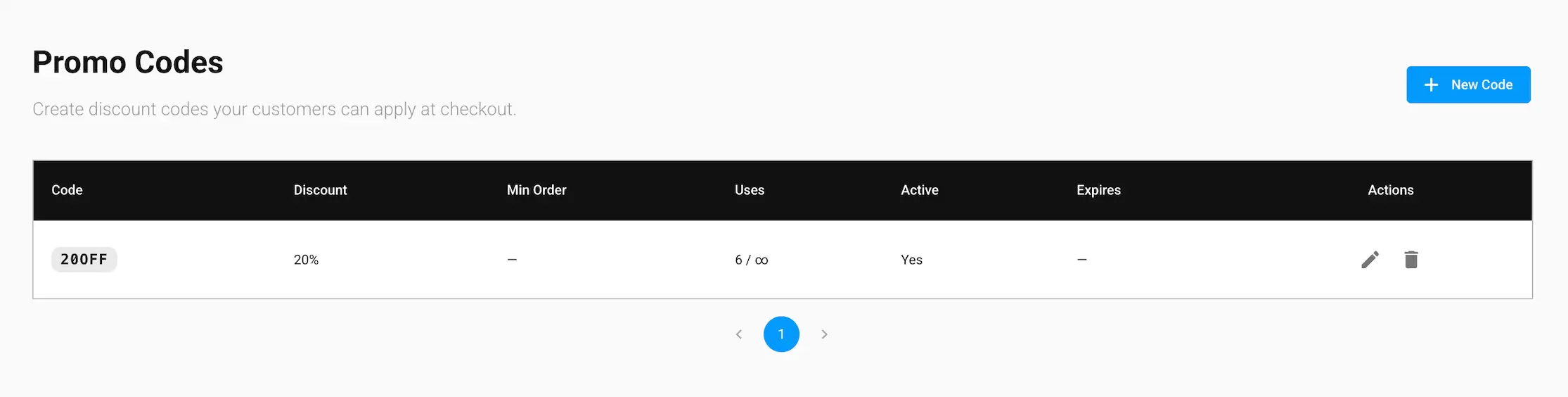
Promo Codes is an add-on → if you haven't purchased it, you'll see an upgrade notice here instead of the table above. See the Addons page under Getting Started for pricing.
The codes table
Each row shows the code, its discount, minimum order requirement, how many times it's been used (against its max uses, or ∞ if unlimited), whether it's active, and its expiration date. Use the edit and delete icons on a row to manage an existing code.
What's in this section
- Creating a Promo Code → step-by-step guide to creating a new code