
Documentation
Terminal
How the GrubStack Terminal kitchen display works, from pairing to taking payments.
GrubStack Terminal
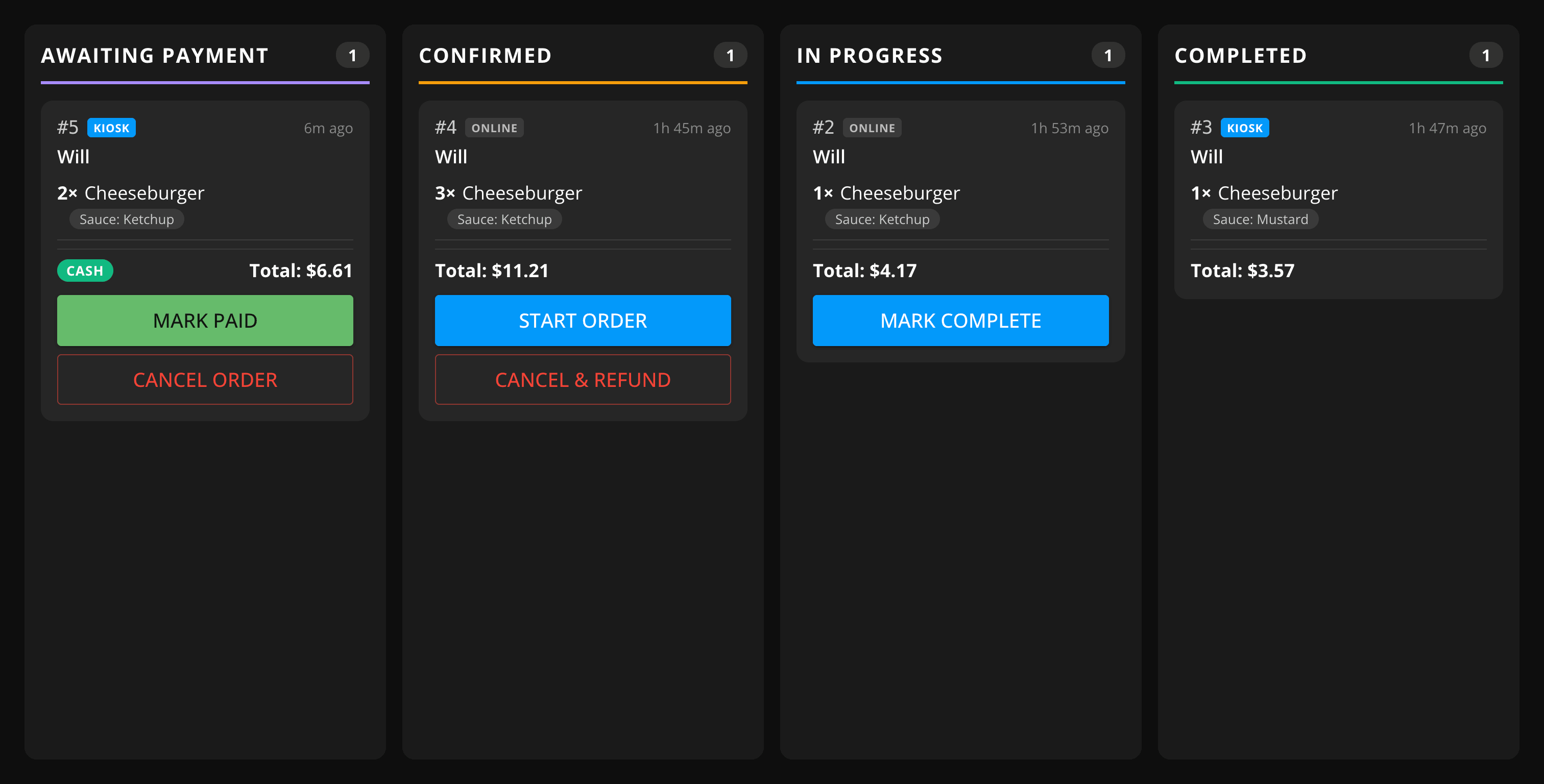
GrubStack Terminal is a minimal, order-only display built for the kitchen — designed to look great on small HDMI TVs and touch screens, so your cooks can see incoming orders without squinting at a laptop or phone. Pair as many displays as you need across your locations, from a single food truck window to a full kitchen and expo setup.
What's in this section
- Hardware — recommended displays and network requirements
- Pairing a Display — connecting a new display to a location
- Orders Board — how live orders move across the display as they're prepared
- Payments & Refunds — the optional setting that lets a display take cash payments, cancel, and refund orders
- Troubleshooting — common issues and how to resolve them
GrubStack Terminal is an optional add-on — see the Addons page to purchase it for your account.