
Documentation
Hardware
Recommended displays and network requirements for running GrubStack Terminal.
Hardware
GrubStack Terminal runs in a web browser, so any device with a modern browser and a stable network connection can run it.
Recommended: a touch screen
A touchscreen display is the default recommendation — even with payment handling turned off, moving an order from Confirmed to In Progress to Completed is a tap-based action your cooks will use constantly. Compact all-in-one touchscreen monitors work well mounted in a kitchen.
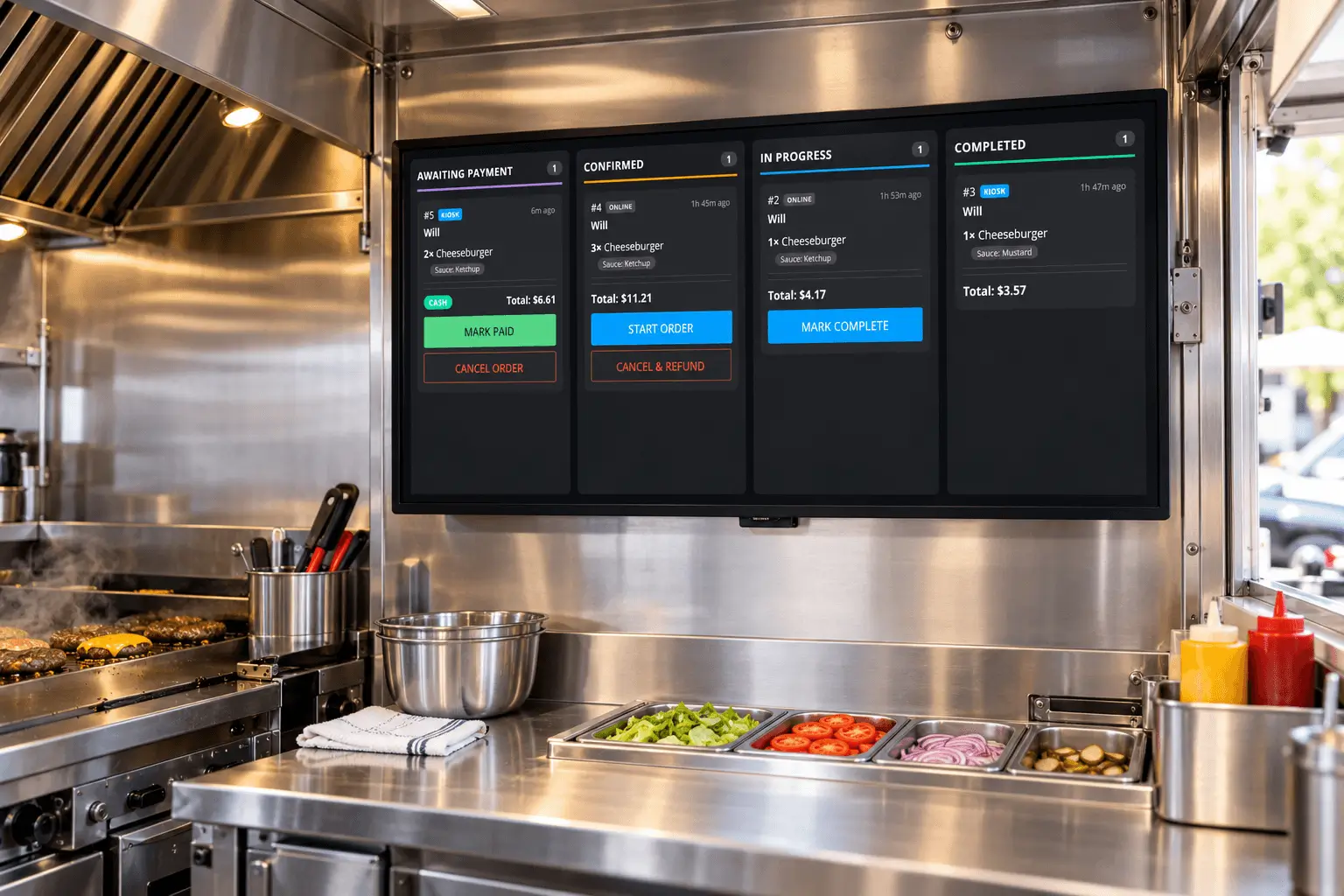
Also supported: a plain display
A non-touch HDMI TV or monitor works too, if you'd rather just glance at incoming orders and manage their status from your dashboard on another device. This is the exception rather than the common setup.
Network
GrubStack Terminal checks for new orders every 30 seconds, so it needs a reliable internet connection the whole time it's in use. A wired connection is best where it's practical to run one; otherwise, a dedicated Wi-Fi network works well.