
Documentation
Archived
View and restore archived catalog entries.
Archived
Restore items, ingredients, varieties, and menus that were previously archived.
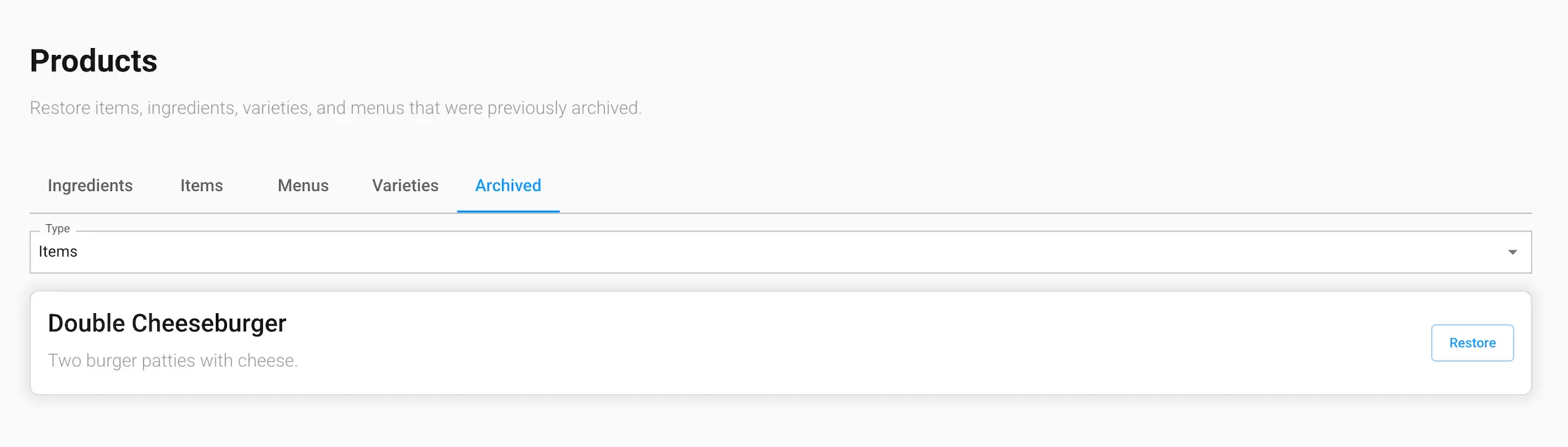
Finding an archived entry
Use the Type dropdown to switch between Items, Ingredients, Varieties, and Menus. Each shows the archived entries for that type only.
Restoring an entry
Click Restore on any entry to make it active again. Restoring only un-hides the entry itself — it doesn't automatically re-add it to whatever menus or items it was previously associated with. For example, restoring an item makes it orderable again, but you'll need to manually add it back to any menu it was removed from.