
Documentation
Dashboard
An introduction to the GrubStack Core management dashboard.
GrubStack Core
GrubStack Core is the dashboard you and your team use to run day-to-day operations — building menus, watching orders come in, managing locations, and reviewing performance.
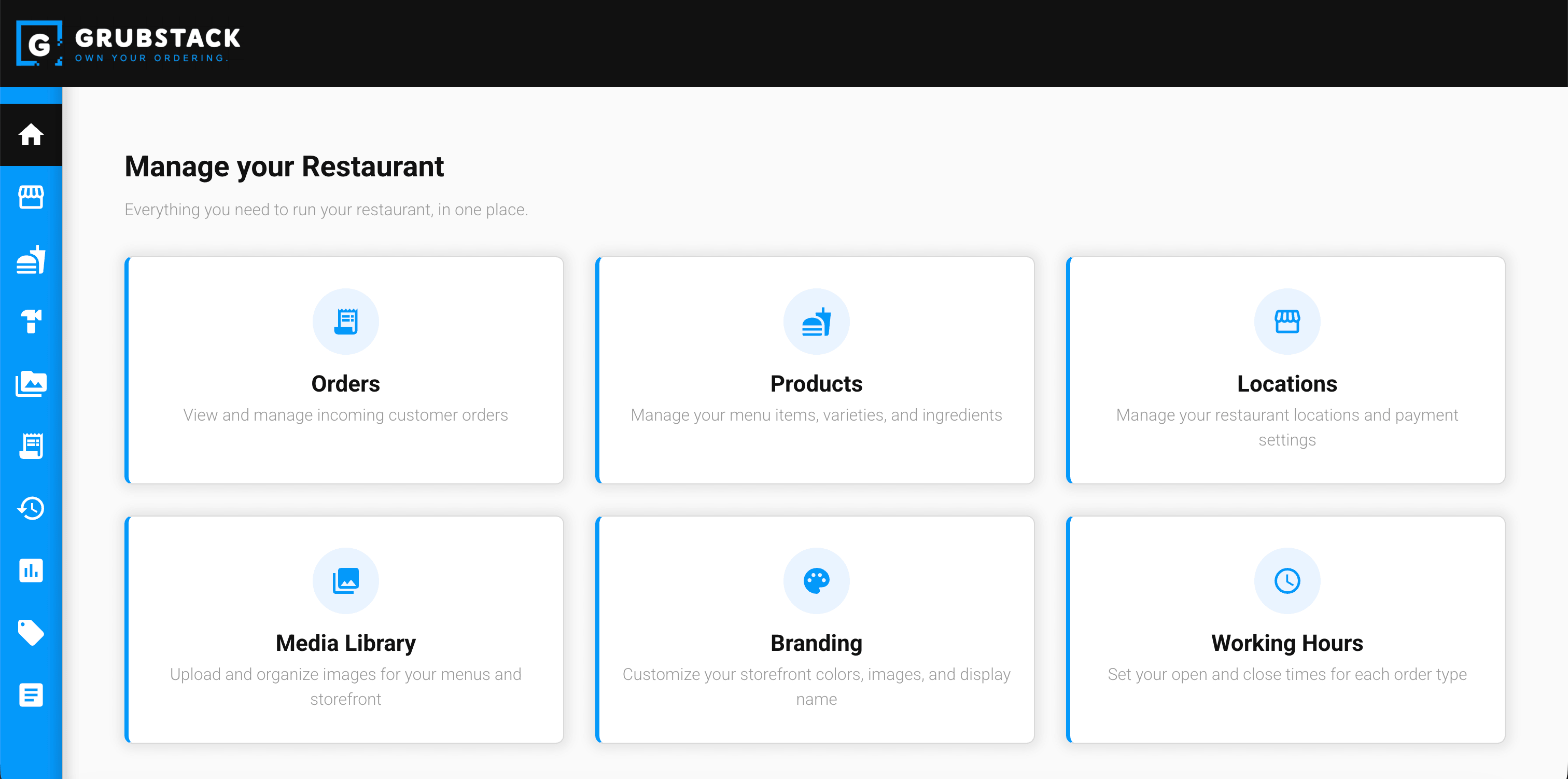
What you can do here
- Build and organize your menu catalog (ingredients, items, varieties, and menus)
- Manage one or more restaurant locations, including hours, branding, and order types
- Watch orders move from Confirmed to In Progress to Completed in real time
- Review order history, run reports, and create promo codes
- Invite trusted users and control what each of them can access
Signing in
Before you can access your dashboard, you need to login at https://grubstack.app/sign-in. Once logged in, you can access your dashboard directly at https://core-<your-slug>.grubstack.app.
The Dashboard section of this documentation covers every module in detail, including the guided Setup Wizard shown the first time you sign in.