
Documentation
Builder Tool
A visual tool for building items, menus, and varieties.
Builder Tool
Assemble menus by attaching items, ingredients, and customization options. The Builder Tool is where the actual configuration happens for items, menus, and varieties you've already created in Products.
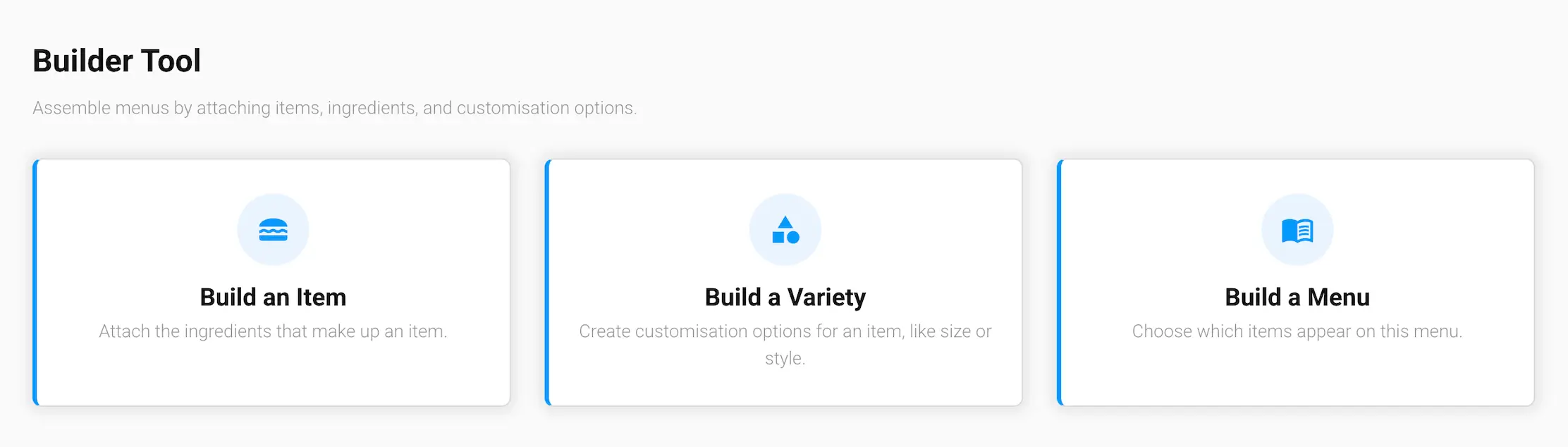
What's in this section
- Build an Item — attach the ingredients that make up an item
- Build a Menu — choose which items appear on this menu
- Build a Variety — create customization options for an item, like size or style
How it works
Each option opens a picker so you can choose an existing item, menu, or variety to configure — or jump straight in from the Build icon on that entry's card in Products.