
Documentation
Kitchen Display
An introduction to the GrubStack Terminal kitchen display add-on.
GrubStack Terminal
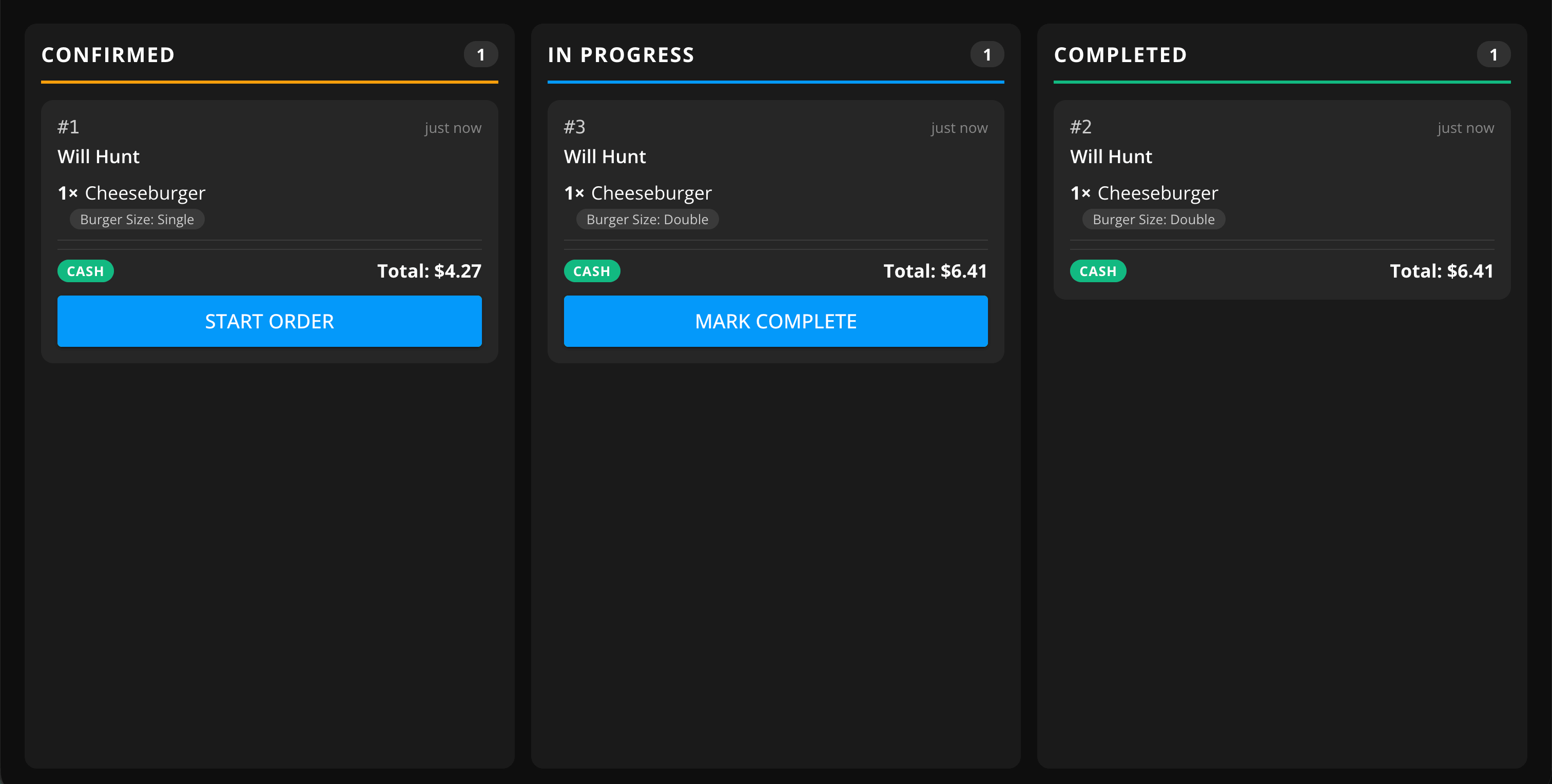
GrubStack Terminal is a minimal, order-only display built for the kitchen — designed to look great on small HDMI TVs and touch screens, so your cooks can see incoming orders without squinting at a laptop or phone.
What you can do here
- See live orders as they come in, without needing to check the dashboard
- Optionally allow the display to cancel and refund orders directly from the kitchen
- Run the display in read-only mode if you'd rather keep cancellations and refunds restricted to your dashboard
- Pair as many displays as you need across your locations
Pairing a display
GrubStack Terminal is an optional add-on — see the Addons page to purchase it for your account. Once purchased, go to Restaurant → Locations in your dashboard, open the GrubStack Terminal card for the location you want to pair, and select Generate Pairing Code. Enter that code on the display to connect it — codes expire after 10 minutes and can only be used once.