
Documentation
Media Library
Manage the images used across your storefront.
Media Library
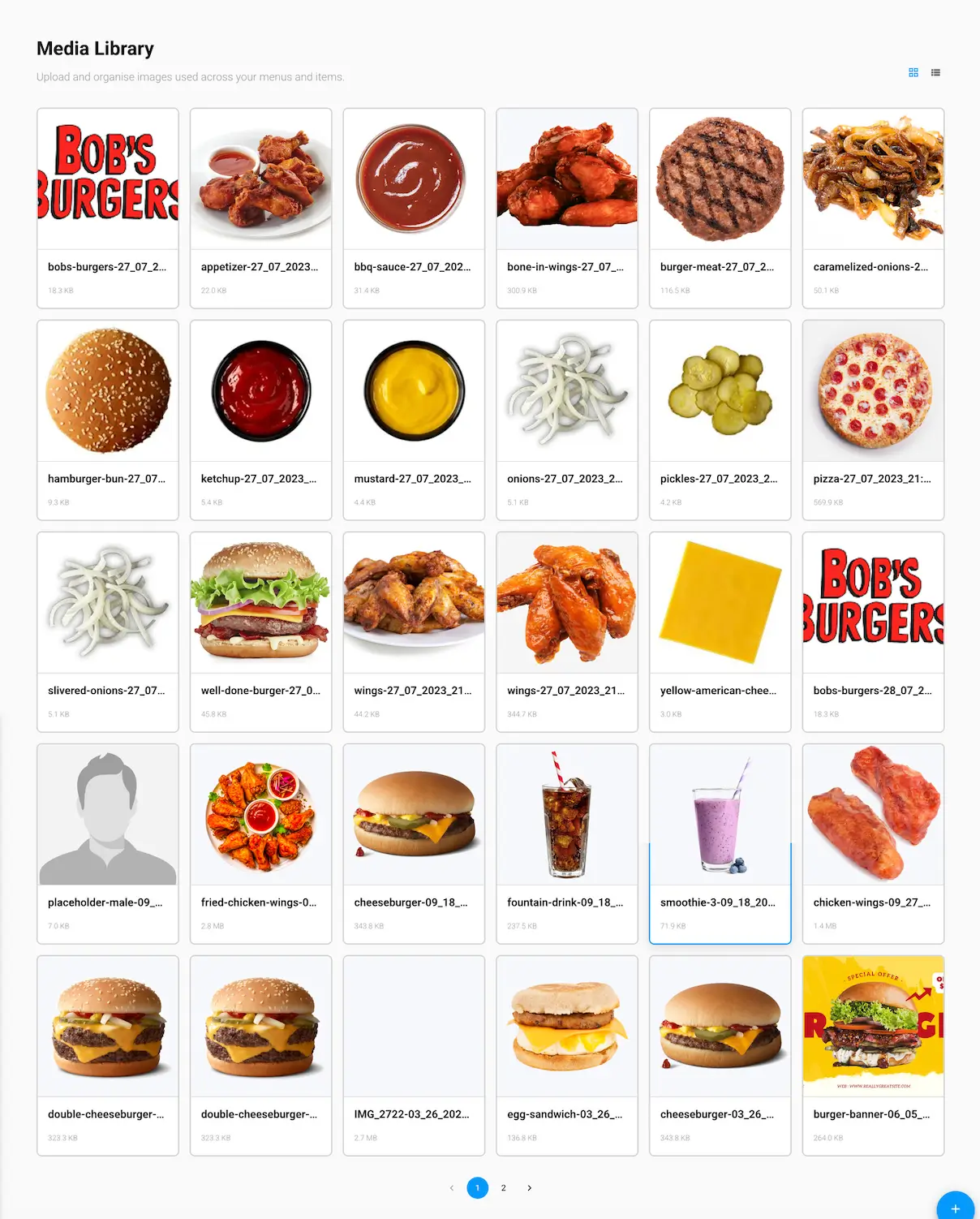
Upload and organize images used across your menus and items.
Browsing your files
Switch between grid and list view using the toggle in the top-right corner. Every file shows its name and size.
Uploading and managing files
Use the + button to upload a new file. Click any existing file to preview it, and delete it from there or directly from the list.
The Uploading files and Deleting Files pages in this section go into more detail on each of these.