
Documentation
Confirmed
New orders awaiting preparation.
Confirmed
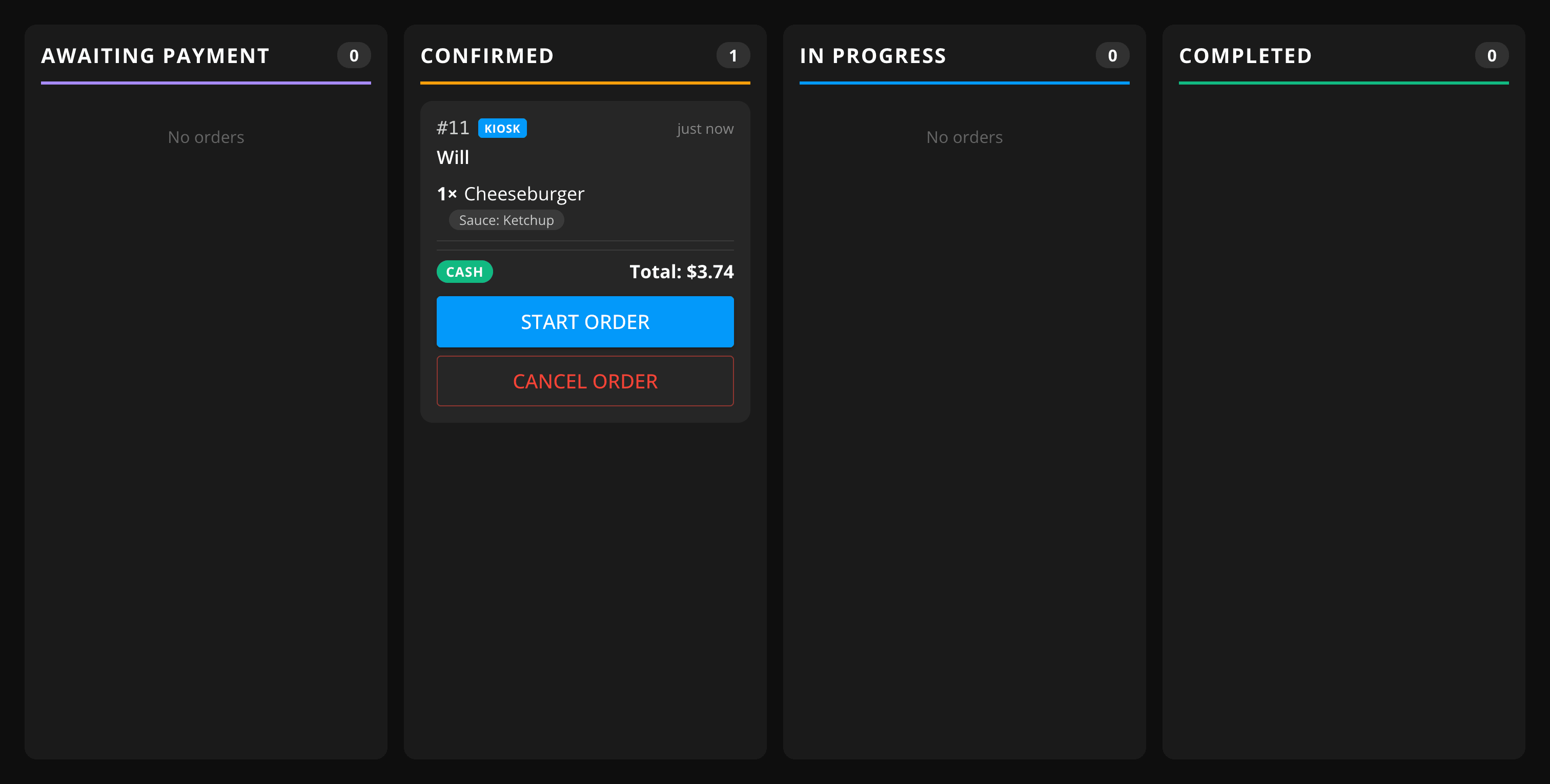
Newly placed and paid orders land here first, awaiting preparation. Cash orders arrive here once they've been marked paid — either on this display, if payment handling is turned on, or from the Orders section of your dashboard.
Starting an order
Tap Start Order to move it into In Progress once you begin preparing it.
Cancelling an order
If payment handling is turned on for this location, you can cancel an order while it's still Confirmed:
- For card and other online payments, tap Cancel & Refund to cancel the order and refund the customer's payment.
- For cash orders, tap Cancel Order — there's no payment to refund.
If payment handling is turned off, cancelling isn't available from this display — use the Orders section of your dashboard instead.