
Documentation
Build an Item
Step-by-step guide to building a new item.
Build an Item
Attach the ingredients that make up an item, and see the nutrition totals update automatically.
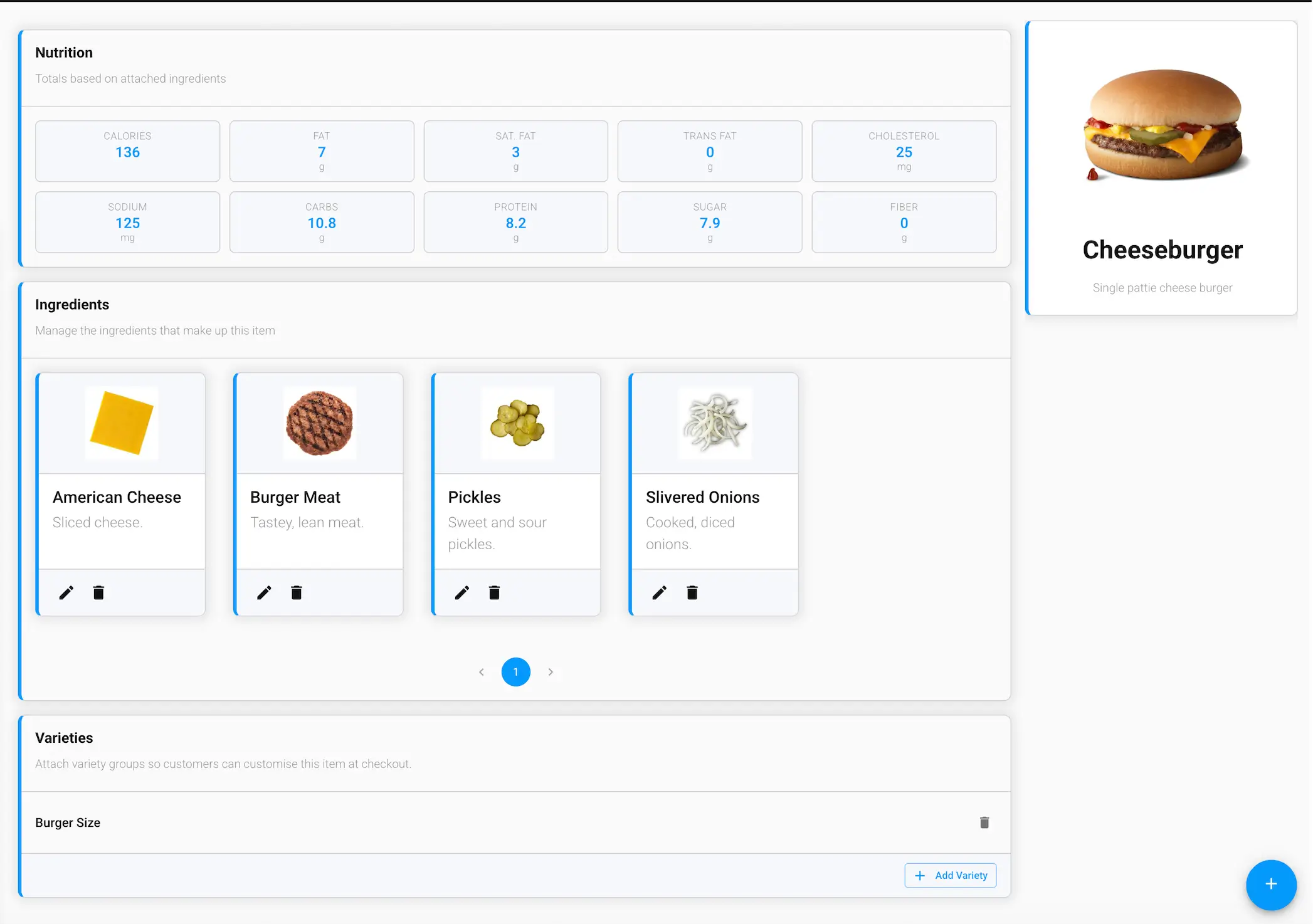
Nutrition
A live nutrition summary — Calories, Fat, Saturated Fat, Trans Fat, Cholesterol, Sodium, Carbs, Protein, Sugar, and Fiber — calculated automatically from whichever ingredients are currently attached.
Ingredients
Add, edit, or remove the ingredients that make up this item. Use the + button to attach an existing ingredient from your catalog.
Varieties
Attach variety groups (like size or flavor) so customers can customize this item at checkout. Click Add Variety to choose from your existing varieties.