
Documentation
Deleting Files
How to remove unused images from your media library.
Deleting Files
Remove files you no longer need from your Media Library.
How to delete
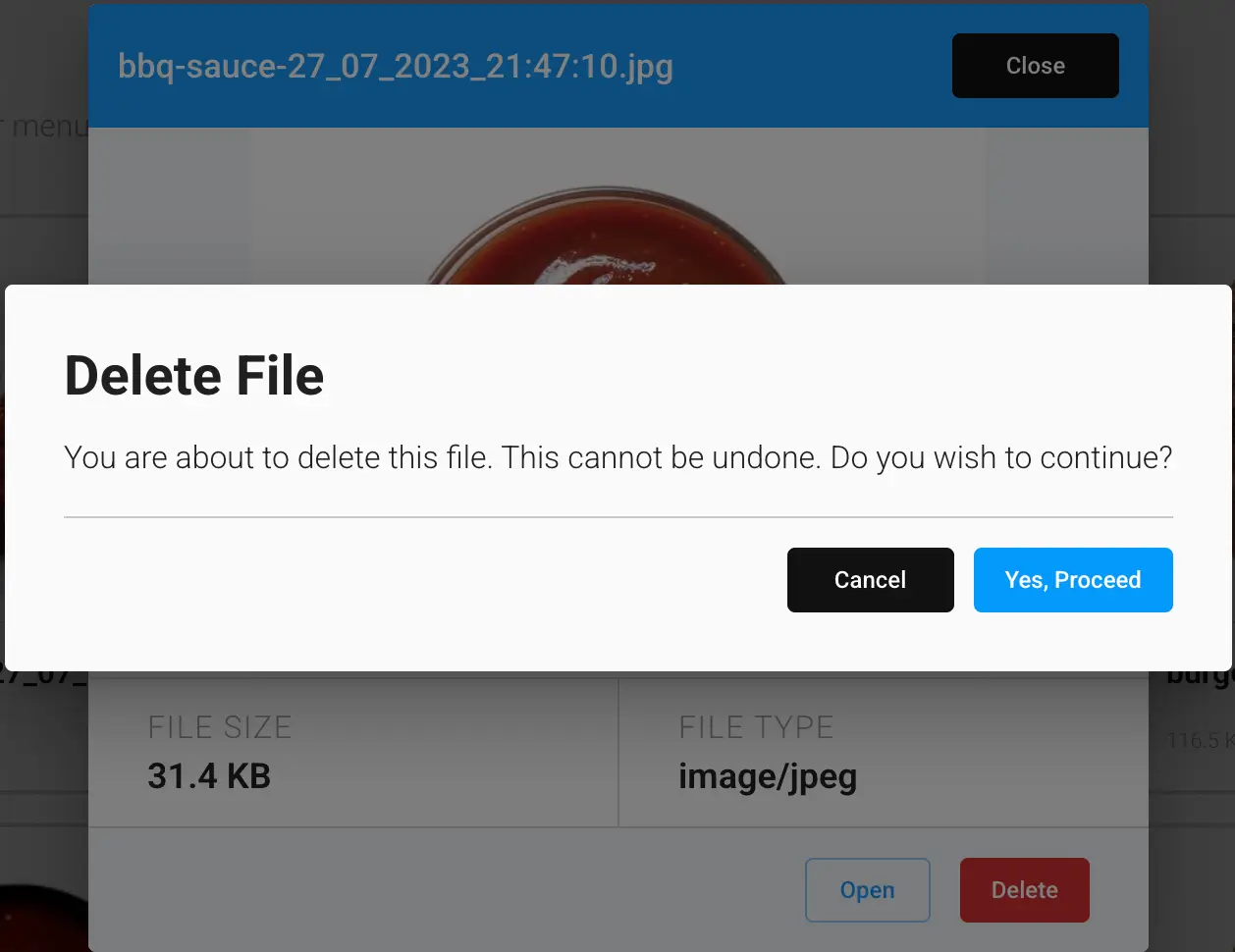
Click a file to open its preview, then click Delete. You'll be asked to confirm — deleting a file cannot be undone.
If a file is currently used as an item, menu, or variety thumbnail, deleting it will leave that reference pointing to a missing image. Update anything still using a file before deleting it, to avoid a broken image on your storefront.