
Documentation
Menus
Organize items into menus for your storefront.
Menus
Menus organize your items into groups customers browse and order from — like Breakfast, Burgers, or Drinks.
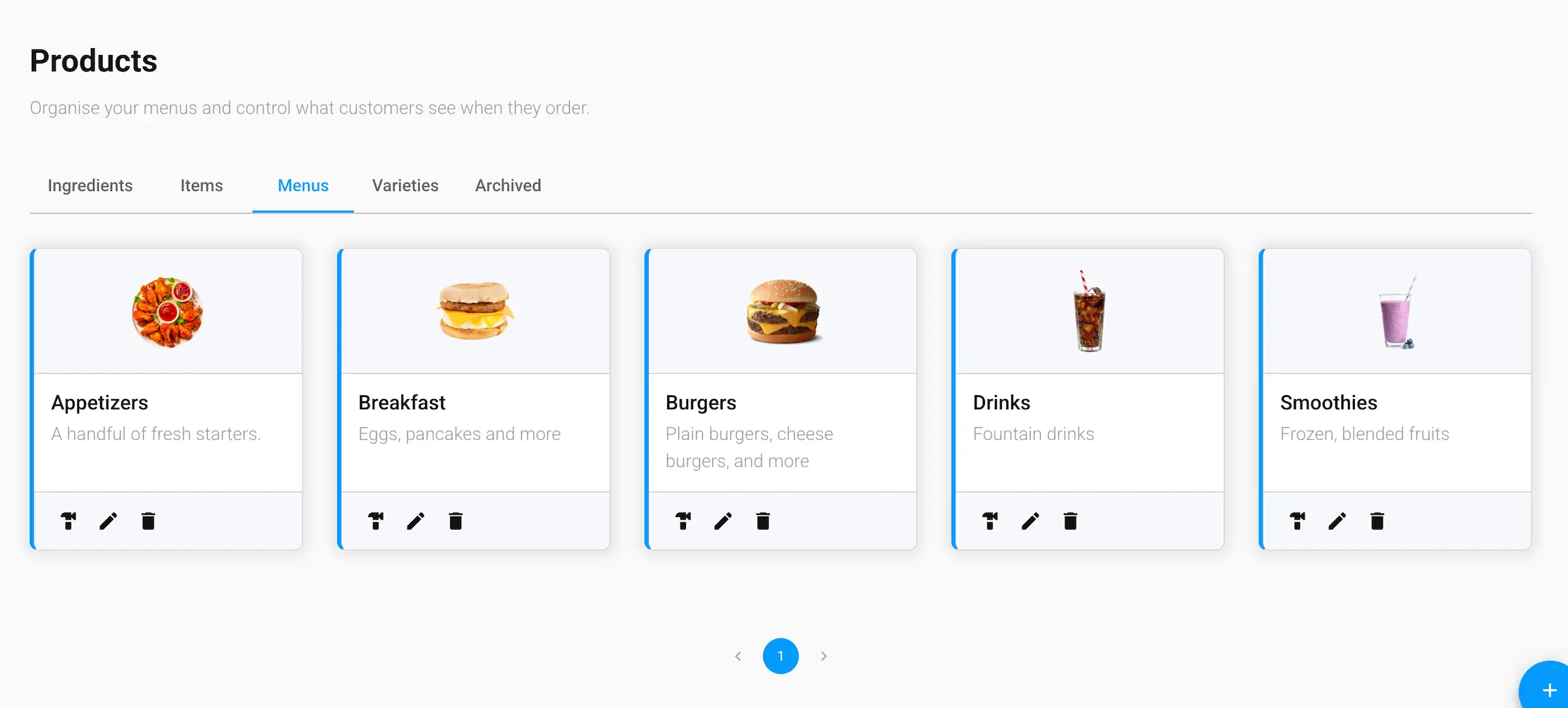
Menu details
- Menu Name and Description
- Thumbnail — the image shown for this menu
- Slug — the URL-friendly identifier for this menu
Managing menus
Each menu card has three actions:
- Build — jump to the Builder Tool to add or remove items on this menu
- Edit — update the menu's name, description, thumbnail, or slug
- Delete — archive the menu (see the Archived tab to restore it)
Building a menu here only creates the catalog entry — you still need to assign it to a location from Restaurant → Menus before customers can order from it.