
Documentation
Working Hours
Set your operating hours for each order type.
Working Hours
Set the hours customers can place orders for each order type you've enabled at this location.
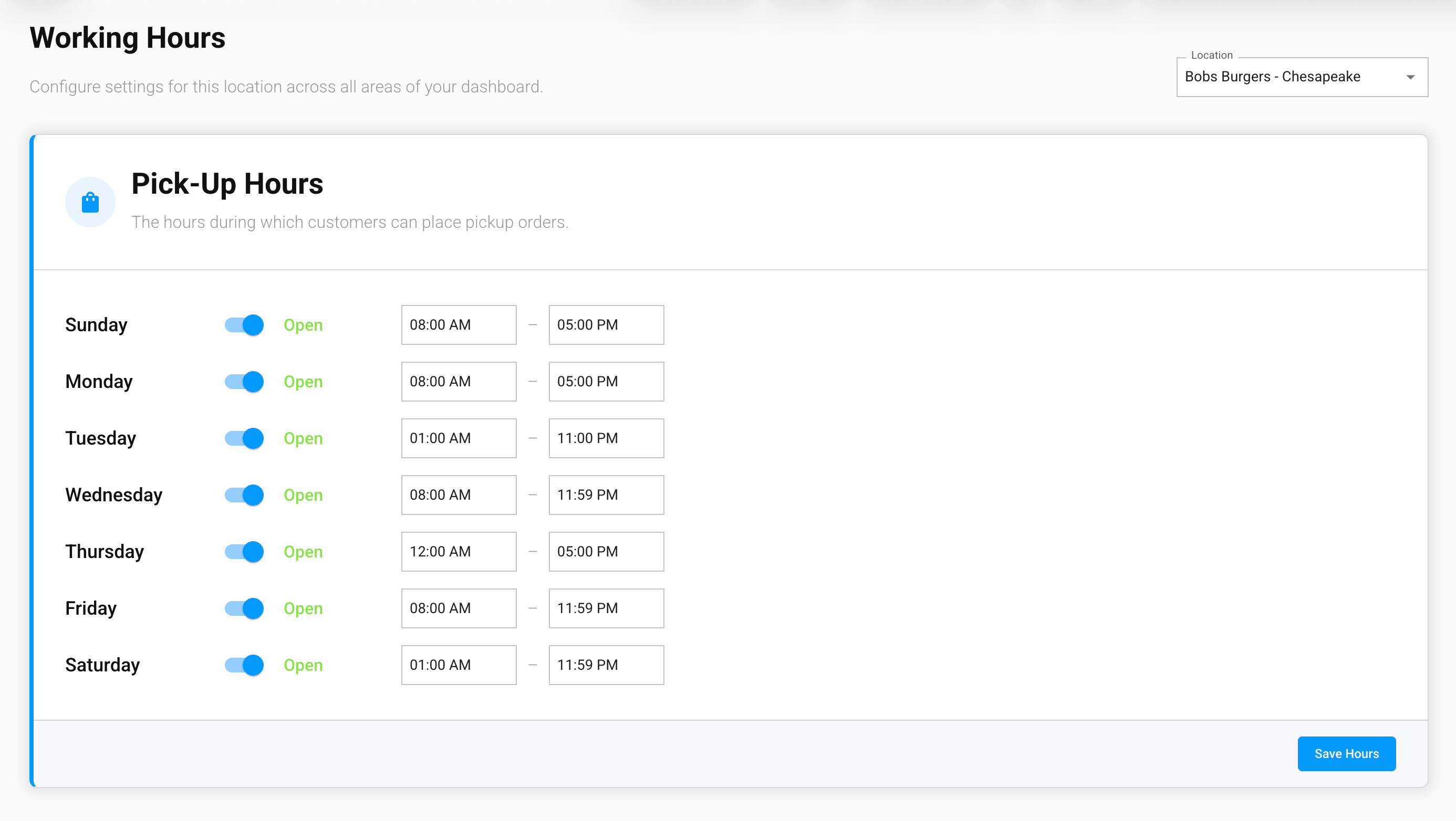
One schedule per order type
You'll see a separate card for each enabled order type — for example Pick-Up Hours and Dine-In Hours — each with its own per-day open/close toggles and time ranges. If neither Pick-Up nor Dine-In is enabled, you'll see a prompt to enable an order type on the Order Types page first.
How this differs from Business Hours
Working Hours controls when customers can order for each specific order type. This is separate from the Business Hours card on the Locations page, which sets your location's general open and close times and isn't tied to any order type.