
Documentation
Build a Menu
Step-by-step guide to building a new menu.
Build a Menu
Choose which items appear on this menu.
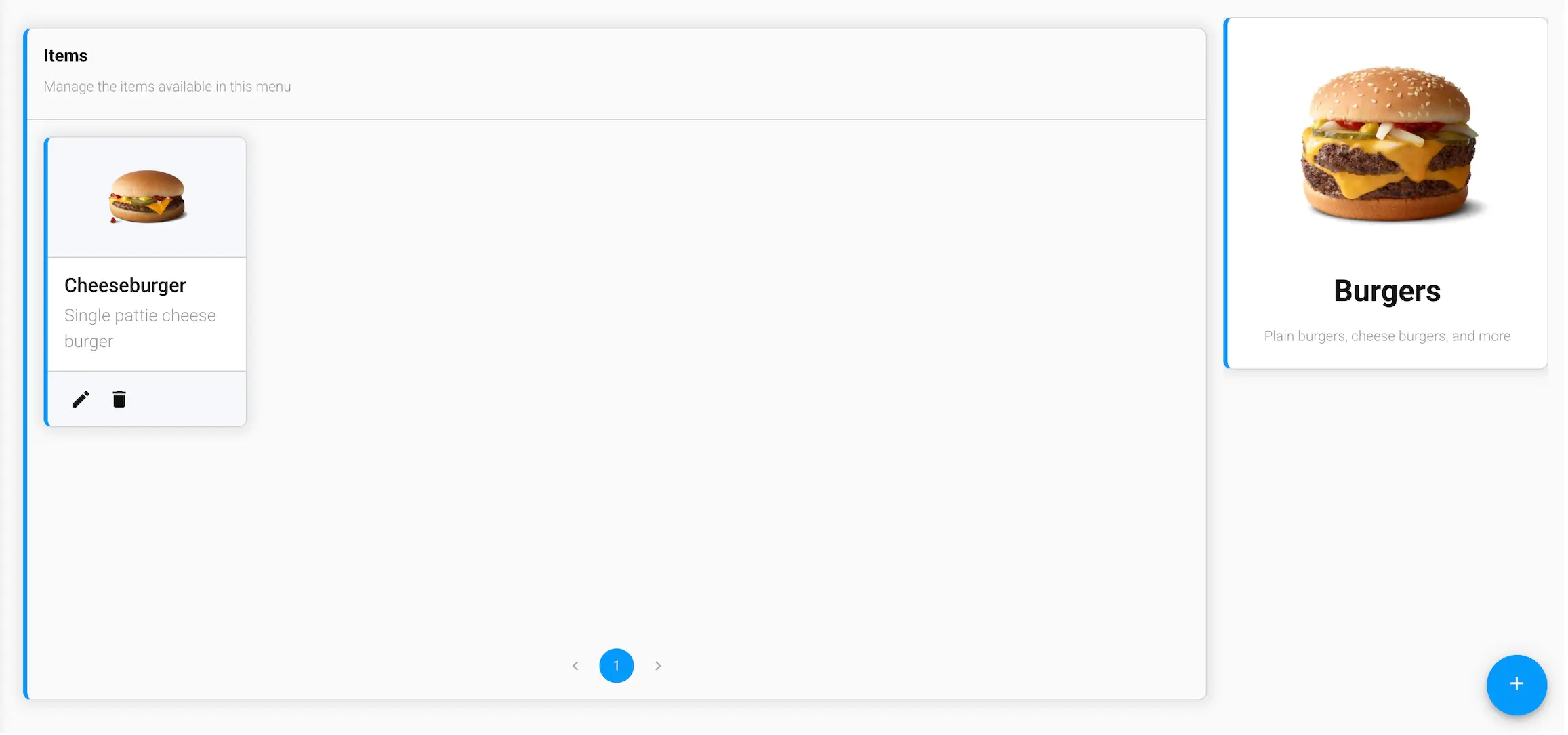
Items
Add, edit, or remove the items available on this menu. Use the + button to attach an existing item from your catalog.
Per-menu pricing
Click the edit icon on an attached item to set, for this menu only:
- Price and Sale Price
- On Sale — shows the sale price to customers instead of the regular price
- Disabled — hides the item from this menu without removing it, so it's easy to bring back later
These settings are per-menu — the same item can have a different price, or be on sale, on one menu but not another.